If you have ever lost data, you’ll understand the pain and frustration it can cause. Data is such a fragile commodity, and you could lose photos, documents, memes, or anything else important to you in a flash. It does not matter if a drive crashes or if you accidentally delete the data; once it’s gone, you’re not always guaranteed to get it back – so prevention is always the best cure.
I lost some important data many years back; it included photos that were important to me and countless documents I needed for work and personal admin. Ever since then, I have used a cloud backup service to continually store my important files on an offsite server. This is great, and it solves a big problem, but I can’t back up everything like this, as things like 4k video files take up too much cloud storage space, and the more I use, the more I have to pay.
External USB drives, thumb drives, SD cards, and even the second SSD drive on my computer are all still susceptible to data loss if I delete or overwrite data by accident. Case in point, formatting your camera’s SD cards before you have a chance to copy the files over to your PC… yup, that’s me.
For these extreme cases, you need to bring in some big guns to try and recover your data, and we’ve found one such tool to help.
Stellar Data Recovery Professional is an application that I found quite helpful in recovering deleted video clips from my camera’s SD cards and some old files from the USB drives I’ve had for years. The software is available on Mac, Android and iOS, and there are various license types to choose from, depending on your usage needs. The version I am writing about is Stellar Data Recovery v11.0.0.8 for Windows.
This newly released version sports a couple of new features over the previous version. For one thing, Stellar Data Recovery now supports 271 file formats. Other features include the ability to recover data from missing partitions. You can now also recover data from Bitlocker encrypted drives. Note that you’ll need your Bitlocker recovery key for this process.

The software interface is pretty straightforward, and if you’ve used a file explorer application, you’ll feel right at home. The application’s main screen shows you all the drives connected to your computer when you first boot it up. This includes lost or hidden partitions, and it even shows you common places, like your Desktop and Documents folder, from which you can recover files. I also like that you can select only the file types you wish to recover to make the whole process easier.

Finding deleted files is straightforward, but depending on the speed of your drive, it can take quite a while. Fortunately, if you have a fast external USB-C SSD drive, the process will take much faster. Scanning my external 240GB SSD took about 20 minutes. Interestingly, subsequent scans on this drive (without loading the Saved Scan) took about 10 minutes.
The software performs two scans. The first is a top-level scan that will show you the results of the files it could immediately recover on your drive. If the files you are looking for are not there, you can perform a Deep scan to uncover them. You can also perform a Deep Scan from the get-go by clicking the Deep Scan button at the bottom left side of the main screen.
It is important to note that you can only recover files that have not been overwritten yet. This is why it is essential to stop using a drive if there is data you need to recover. If your deleted data is overwritten, there is no way to get it back.

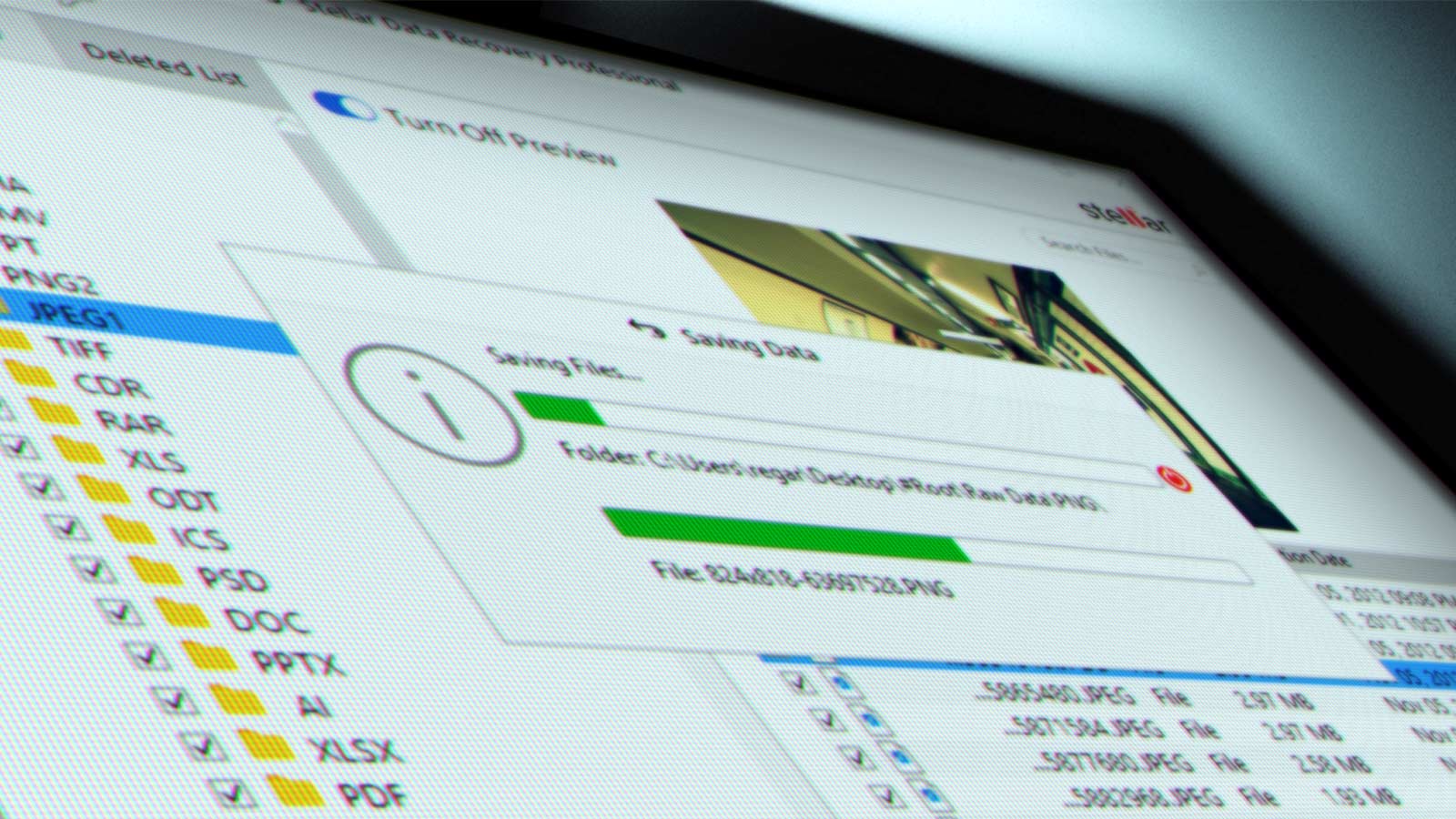
After the Deep scan is completed, a panel listing the recoverable data will appear on the left side of the screen. You can then switch between the tabs to show you File Types, Tree View, and Deleted List.
- File Type: Files and folders are listed according to their type, such as Document, Audio, Video, Archive, etc.
- Tree View: Folders are listed in a hierarchical arrangement.
- Deleted List: All the files and folders deleted from the drive are listed in this view.
From here, you simply preview and select the files you’d like to recover, and the software will prompt you for a storage location to save them.
I did not mention this earlier, but if you still have a CD/DVD drive, you can use Stellar Data Recovery to recover data from damaged discs.
Another handy feature of this software is saving your scan information. Because the process can take hours if you have a big, slow drive, you can save that scan information and load it again to recover your files at a later stage. I found this very useful when I scanned some of the old drives in my cupboard. I could run the scans, save the file, and then spend time later going through them one by one.
After recovering the deleted video on my SD card, and playing around with all my old drives, I am rather impressed with how easy Stellar Data Recovery Professional is to use. I’ve used my fair share of data recovery software over the years, and this is one I’ll be adding to my digital toolbox.
Pricing starts at $90 for a 30-day license, but a lifetime license at $199 seems like a much better offer if you are a geek like me and will likely use this application for years to come. The company is currently running a special with some impressive discounts on all their licenses.
If you are in the video industry, I recommend looking at the Premium package, which includes a feature to repair corrupt photo and video files.
If you are even more technical and want to recover RAID 0, 5, and 6 drives, the Technician license gives you access to all the features, including RAID support.
There is also a free version that will recover up to 1GB of data for free if you want to check it out.