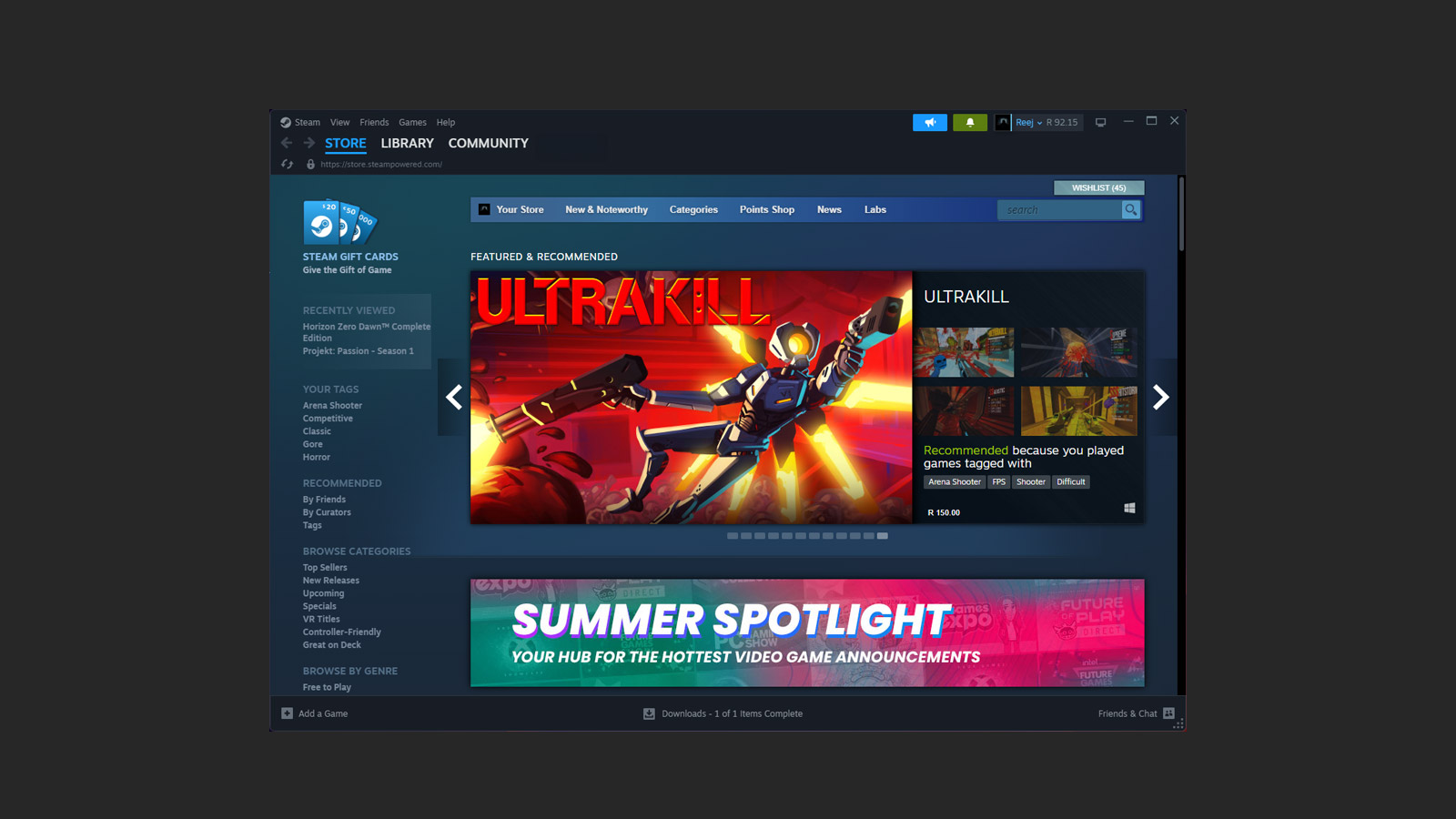
Those who frequent Steam may notice things look different after the latest update that was just rolled out. This update primarily focused on giving the UI an overhaul, but Valve took the opportunity to also go under the hood and make some rather significant changes to the overall experience of Steam on Desktop, mobile and even the Steam Deck.
Last night’s update gave the Steam Library a new font on desktop, the Notifications tab got a new look on mobile, and the Steam deck got a plethora of tune-ups and changes. The downloads tab also got an upgrade across the board.
Users will also notice that the in-game overlay received an overhaul with a new look and even some new features, including a toolbar at the bottom of the screen where users can select widgets and adjust them to their liking. One of the best widgets is the Notes feature, which lets notes be pinned into the overlay and appear on top of a game for easy reference.
Here are some of the most significant changes that arrived in last night’s update:
- Updated Steam Client notifications, with additional settings allowing you to choose which messages you’ll see and where you’ll see them
- An overhauled in-game overlay with an updated design, new features, and more customizability
- New notes functionality with rich text formatting, image pasting, and offline functionality. Multiple notes can be saved per game and are accessible via the in-game overlay, desktop client, and Steam Deck.
- New pinning functionality – panels from the in-game overlay can now be “pinned” (with adjustable opacity), so they are viewable while in-game
- The updated controller configurator is now part of the overlay when a gamepad is connected.
If you want to read the full patch notes, follow the link here. Now I want to know from you, what do you think about all these changes? Let me know in the comments.