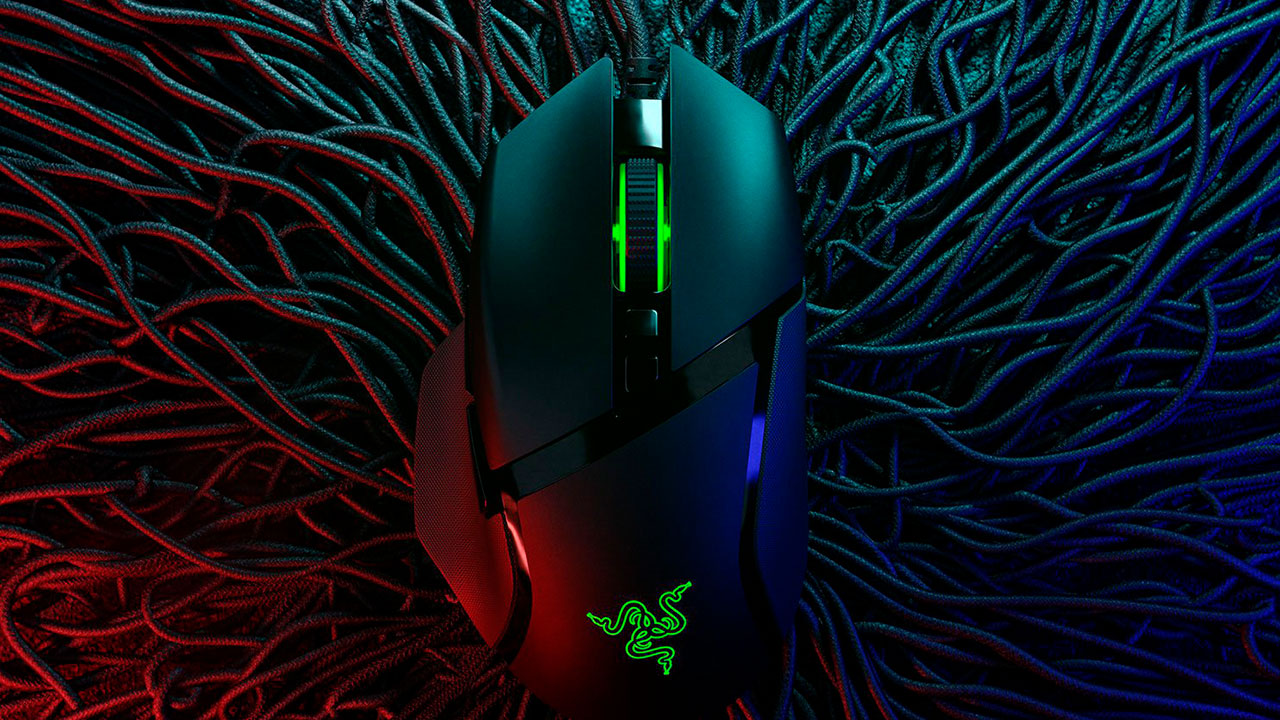
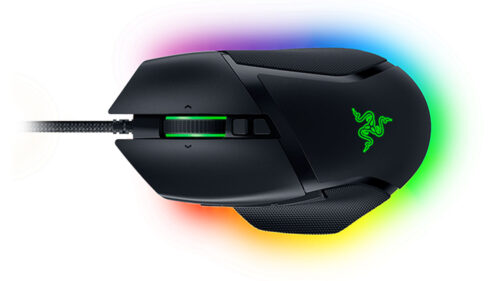
It’s been 2 years since the launch of the Razer Basilisk V2 and while V3 might look identical to its predecessor, there is some impressive new hardware under the hood of this peripheral. Depending on your gaming preferences, it may not all be upgrade-worthy if you have a V2, but as someone who has not yet owned one, the Razer Basilisk V3 is a very compelling wired gaming mouse.
As a first-timer with the Basilisk design, I was impressed with how comfortable the mouse was to use for using hours on end. I particularly like the thumb rest on the right side with the added texture padding on both sides of the mouse to help with grip. The Basilisk V3 also features a slightly higher hump than my other mice, which I found made the Basilisk easier to move around as it fits more snug in my hand.
If you love programmable buttons, then the Basilisk has you covered too, there are 11 programmable buttons on the mouse which you can customise with the Razer Synapse software. I found each of these buttons easily accessible without much difficultly. One of the buttons I found particularly useful is the thumb-paddle that sits just within thumbs-reach when you hold the mouse, by default, this is set to increase or decrease your mouse DPI. If you loved the thumb-paddle on V2, you’ll be glad to know that this one is a little shorter and thankfully, it is not a removable piece anymore.

Clicking away while you game feels very responsive and there is a nice tactile feel to each button press. Razer says its new gen-2 optical switches have an actuation speed of 0.2ms and if you are very particular about that sort of thing, then this is certainly an upgrade worthy feature. Equally impressive but maybe not as useful to everyone is the upgraded optical sensor on the Razer Basilisk V3, boasting a DPI sensitivity of 26k, this thing is super sensitive and I’d bet only a few have stable enough hands to master it. While most gamers will play with a sensitivity set around 1600 dpi, the improved tech in the sensor department also means that this mouse performs better on various surfaces.
One of the biggest features of the Basilisk V3 is the HyperScroll Tilt Wheel. It has been years since I’ve last been this excited about the scroll wheel and this offering from Razer gives you the ability to customise your scroll wheel experience. There are two scrolling modes that you can switch on the fly; Tactile and free spin. With tactile, there is a noticeable click as you scroll giving you more precision with each scroll while free spin is great for speed as the wheel can spin freely. Using the Synapse software, you can also enable Smart-Reel, a feature that will automatically switch between these two modes depending on how fast you are scrolling. I prefer tactile feedback to my scroll wheel and liked the feel of this one.

Now, a feature that I am always happy to see on my peripherals is RGB and the Basilisk V3 comes with a very nice implementation of it. There is a light strip around the bottom of the mouse that lights up and provides a cool glow on the mousepad surface. The scroll wheel and logo on the top side of the mouse are also RGB lit. There are a number of RGB effects for you to play with and of course, you can connect it with Chroma Studio to match up the lighting with your other Razer devices.
For around R1,400, the Razer Basilisk V3 offers a surprising amount of features and is now on my shortlist for my next upgrade.