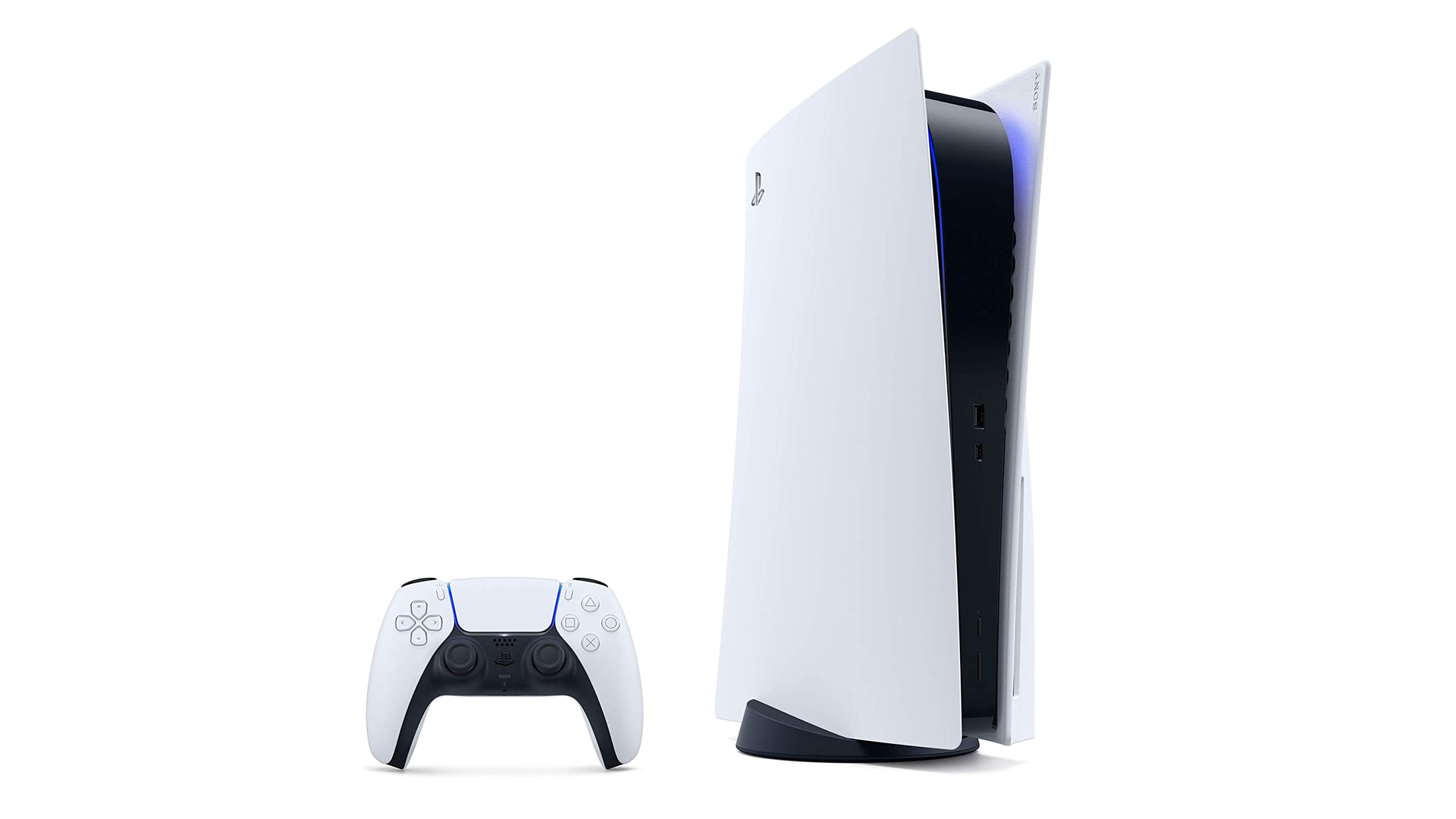
Call of Duty taking up your entire hard drive? Delete it. Or move it on a USB drive and then delete it, because now you can.
Out tomorrow (so not now-now, exactly, more like just-now local time), according to the PlayStation Blog, the April system update includes multiple new features but USB file transfer support has got to be one of the most convenient even if it’s also kind of inexplicable that it wasn’t available at launch like the Xbox Series S/X, I mean, USB file transfer support on consoles has been a thing since what, like, 2009 or 2010, but anyway I’m gonna shut up now before I get cancelled on Twitter.
With this feature, you can now transfer your PS5 games to USB extended storage from your console’s internal storage. It’s a great way to extend the storage capabilities of your PS5 console, and you can seamlessly copy your PS5 games back to the console’s internal storage when you’re ready to play. It is faster to reinstall PS5 games from USB extended storage than to re-download or copy them from a disc.
Because PS5 games are designed to take advantage of the console’s ultra high-speed SSD, PS5 titles can’t be played from USB extended storage. PS5 titles also cannot be directly downloaded to USB extended storage. However, games that you transfer or copy back to internal storage will automatically update when applicable. In addition, you can select which game modes you want to install (such as campaign or multiplayer) for select titles that support the option.
And if you’re saving up for an SSD drive instead, you’ve got time to save up even more.
“As previously announced, the PS5 console will support storage expansion via M.2 drives in the future,” Sony’s Hideaki Nishino explains. “We’re currently working on this feature and will keep you posted with any updates on PlayStation Blog.”