We are spoilt for choice when it comes to computer hardware; as someone who remembers faded beige CRT flatscreens as the only premium option back then, I still get excited about gaming monitors offering better performance and novel new features, like curved screens.
Depending on your usage requirements, a curved monitor may not be your cup of tea, but if you are looking for an entry point into the peripheral pleasing playground of curved monitors, the MSI MAG 275CQRF-QD is worth looking into.
I’ve been using a curved monitor for a while now, and I’ll be honest, it is a game changer if you stare at your computer screens most of the day. The angle of the curve is usually based on the size of the screen and a lower number indicates a steeper curve. For example, a large 49-inch screen will have a less pronounced curve between 1500R and 1800R while a smaller screen like this 27-inch Quantum Dot (QD) monitor from MSI will have a more pronounced curve at 1000R. Interestingly, a 1000R monitor perfectly matches human eyesight and can reduce eye and neck strain because the edges of the screen and centre are perfectly aligned with your peripheral vision. Naturally, this makes it great for gaming, too.
The MSI MAG 275CQRF-QD sports a QHD resolution of 2560 x 1440 pixels and has a buttery smooth refresh rate of 170Hz. This monitor officially supports AMD FreeSync technology but worked fine with my Nvidia setup.
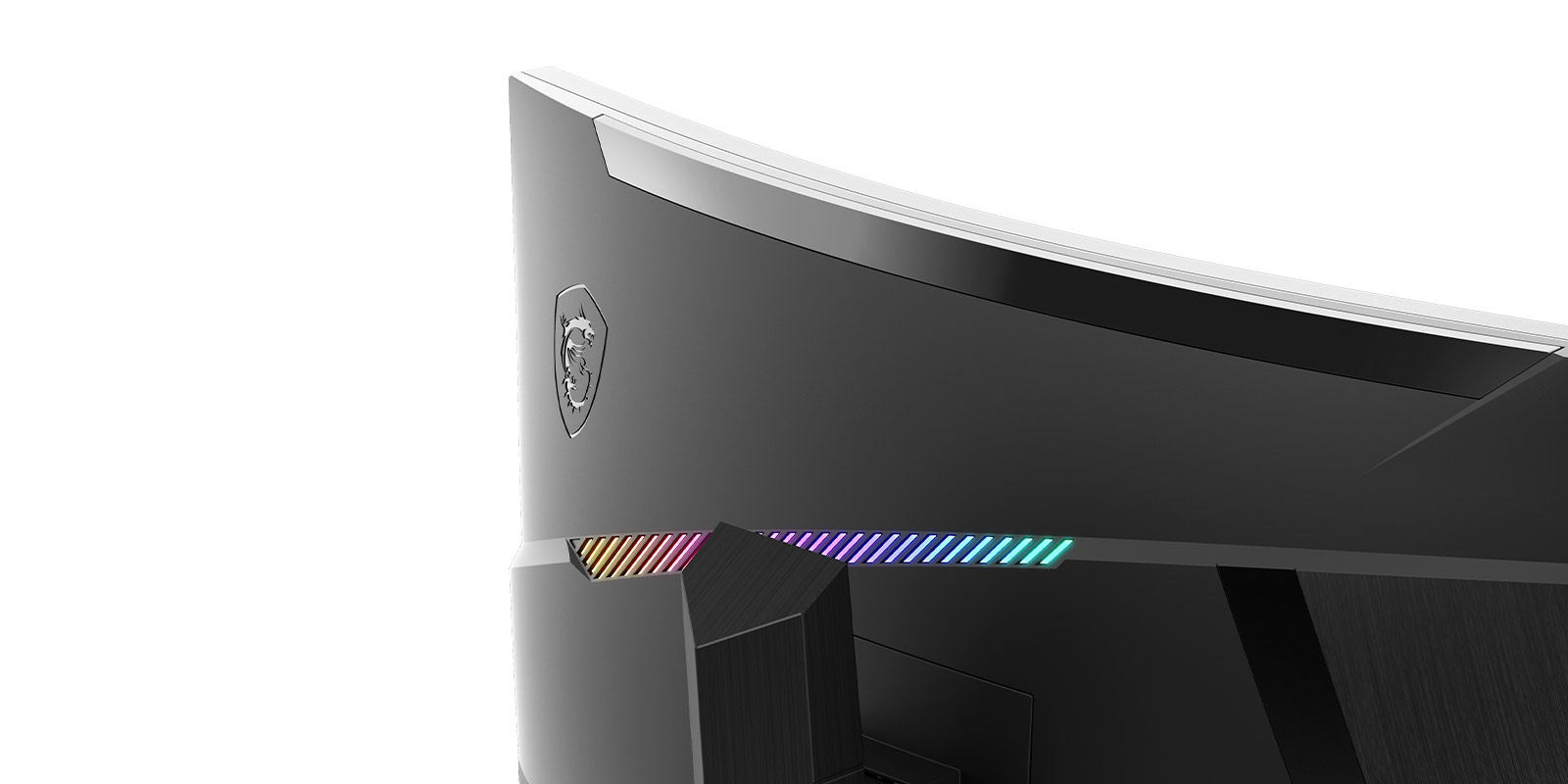
The monitor looks great with a rear RGB strip, although it’s not really bright enough to light up the wall behind it—a feature I would love to have on my next gaming monitor. The control buttons are also positioned on the back, bottom left, for easy access. The MSI MAG 275CQRF-QD features a solid height adjustable stand that has a fair degree tilt degree to the left and right. I also liked that you can use the monitor’s KVM capability to connect your console and PC and switch between devices easily.

Playing games, working, and watching movies look great on the MSI MAG 275CQRF-QD, while it is not the brightest gaming monitor we test, at 300nits its on par with other 270-inch curved gaming monitors. If you have a bright room and want a super bright gaming monitor, or if you play a lot of dark atmospheric games, I would suggest you look for a monitor with over 400nits brightness.
Having said that, I had a blast with this curved gaming monitor. I mostly played Call of Duty Black Ops 6, Fortnight and Diablo IV; they all looked fantastic on this monitor, and the 1000R curve was great for gaming.

The MSI MAG 275CQRF-QD IO ports include a powered USB Type-C display, three HDMI 2 ports and a Displayport 1.2a. For other peripherals, there are also two USB 2.0 ports. A cable to enable the USB hub is included in the box.
When it comes to gaming, the MSI MAG 275CQRF-QD delivers a great visual experience, and the 1000R curve is very pleasing to the eyes. It may not be the cheapest 27-inch curved gaming monitor on the market, but in terms of performance, this monitor ticks all the right boxes.