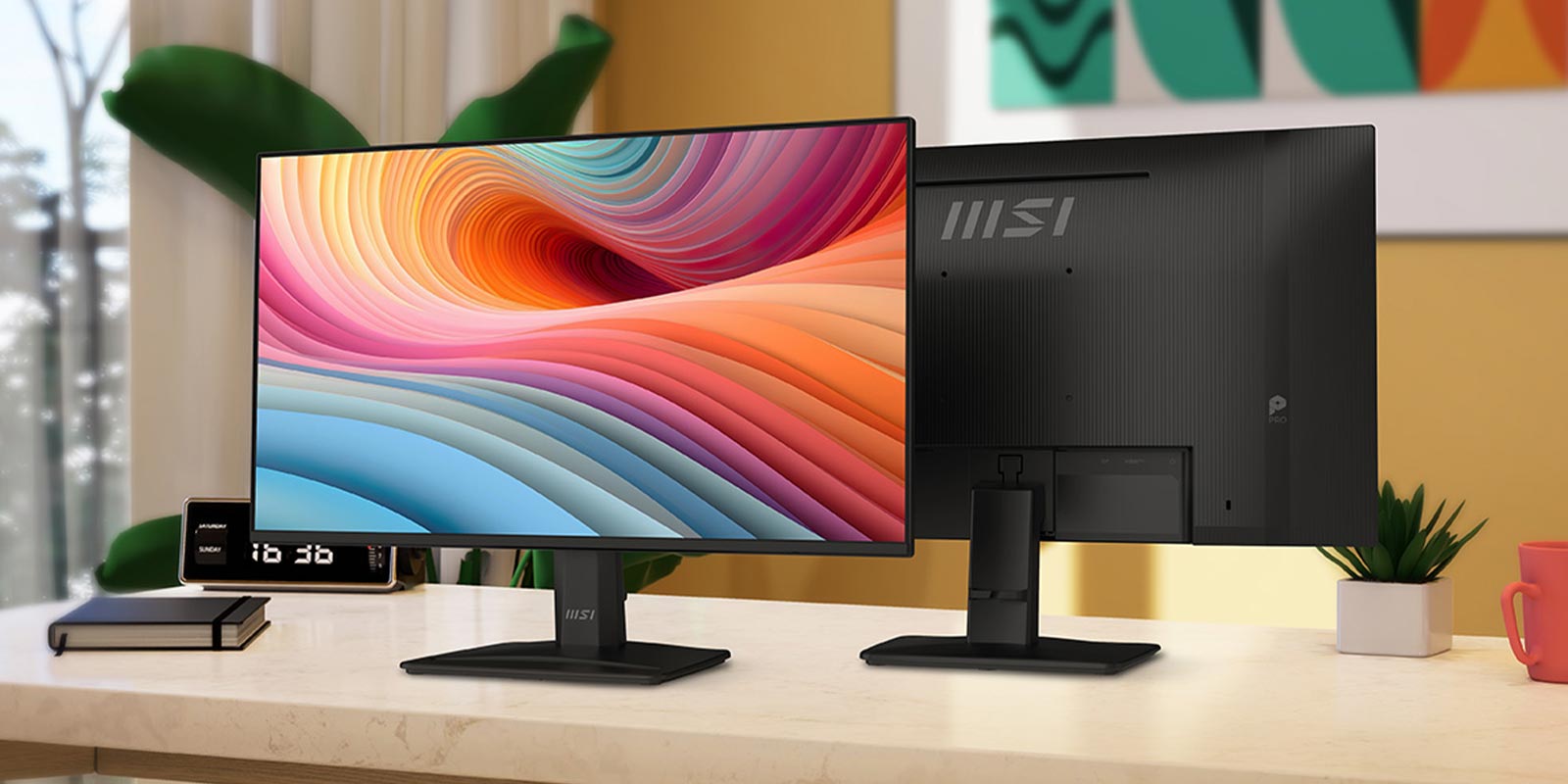
Every now and then, we dabble with a bit of business productivity hardware not only to see how it can be used for gaming but also because we run businesses and sometimes need good old-fashioned business hardware.
The MSI Pro MP252 Monitor is designed for business and productivity but is, in all honesty, a great all-around monitor for home too. This monitor has a resolution of 1920×1080 pixels, and at 24,5 inches with a 100Hz refresh rate, it sits in the sweet spot of size and functionality for most computer users.
MSI also developed a technology called EyesErgo that provides eye care for users and ensures that they can use this monitor for long periods of time without eye strain. This includes reducing blue light and anti-flicker technology. Interestingly, there is also a feature called Eye-Q, which allows users to perform a self-check on their eyes with a number of tests that let you check for eye fatigue and adjust your monitor optimally.
I really liked the posture correction function that lets you ensure you are sitting correctly in front of your monitor. According to MSI’s research, it’s ideal to have your eye position at one-ninth of the screen height, just below the top bezel of the screen. Eye-Q Check also lets you test for Astigmatism with a quick test using an AMSLR grid. These tests will let you know if you suffer from eye fatigue. If you do, you’d be recommended to take a 20-minute break.

The MSI Pro MP252 Monitor can be tilted to adjust it to a comfortable level, but there is no height adjustment, unfortunately. However, there is a Vesa mount at the back, which can be used to mount the monitor to a desk arm, or you can mount a small form factor PC, like a NUC, on the back—great for business users.
Other nice features on this monitor include a small smartphone slot at the base of the stand for placing your device while you work, two speakers and a headphone-out port. While the speakers are only two watts each, they suffice for basic notification sounds and the odd call.

Now, if you are a financial trader or just someone who wants multiple monitors side by side or above each other, the MSI Pro MP252 is ideal. It features a very thin bezel around its edges—perfect for bundling a few of these together.
Having used the MSI Pro MP252 Monitor for a few days, I am happy to report that the EyesErgo features really make a difference if you stare at a screen as much as I do. This monitor works great for business use, but it’s also a competent monitor for gaming. The visuals are crisp, and the 100Hz refresh rate is sufficient for most users, especially if you are gaming on an entry-level rig or console.
The MSI Pro MP252 also seems to be a decent gaming monitor, and I ran through my usual catalogue of quick plays with ease. Of course, if you are used to high frame rate 4K visuals, this monitor is not for you.
For around R2,000, this 24-inch monitor is on par with other models in the market. It offers great visuals, and its eye care features offer a compelling value proposition. For business users who need a good second monitor for their notebook or desktop users looking to replace their old screen, the MSI Pro MP252 can deliver the goods.