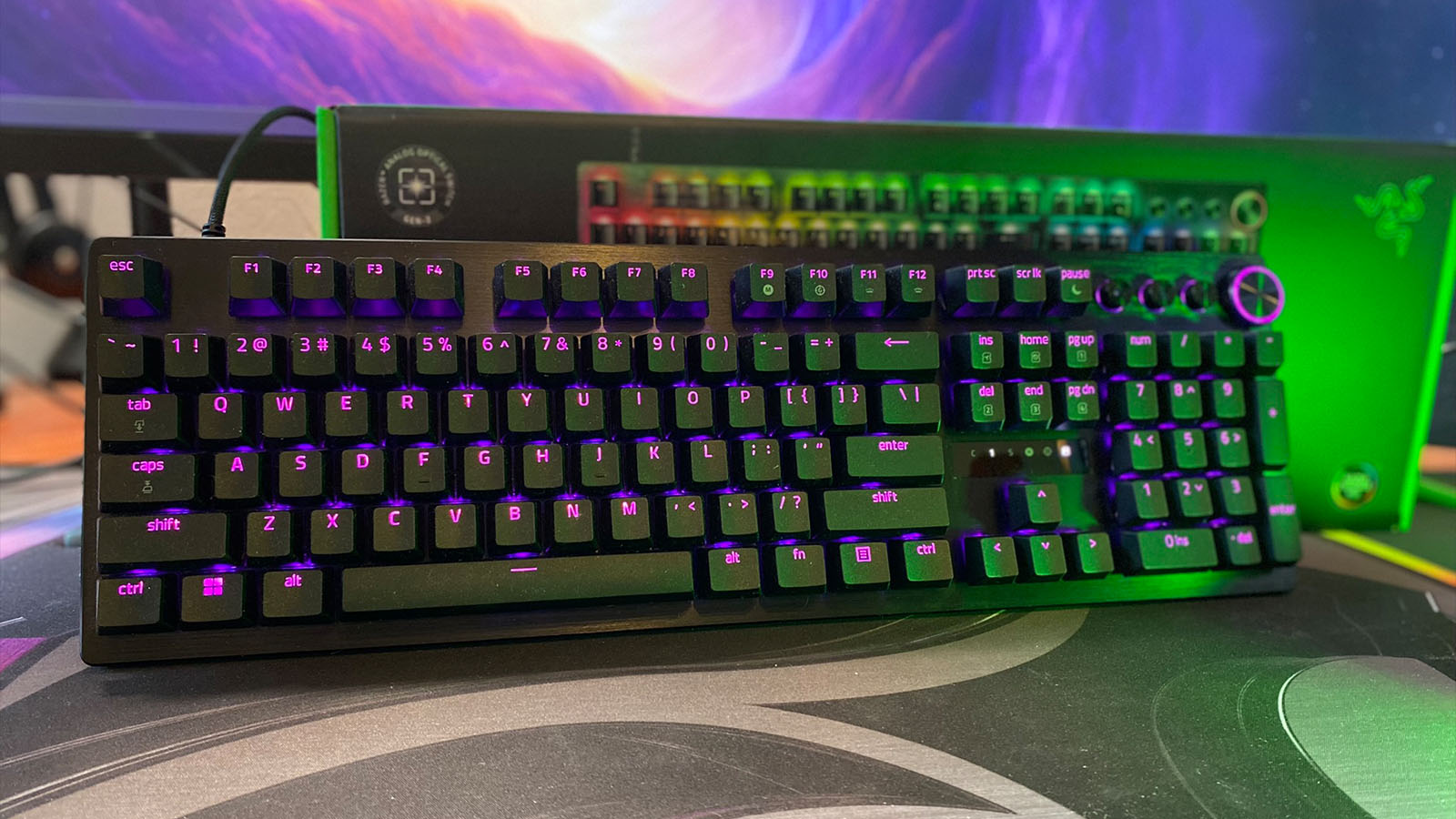
If you’re more than just a regular gamer, you’ve definitely heard of the new Rapid Trigger technology that’s taking over gamers’ keyboards. Now Razer has designed Rapid Triggers of its own, which are available in the new range of Huntsman keyboards.
We at NAG were lucky enough to play around with these new switches on the full-sized Razer Huntsman V3 Pro, and here’s what we thought.

First off, let’s talk about the rest of the keyboard before we get into the juicy stuff.
In the box, you get the keyboard, a nice long, detachable USB-C cable, the manuals we don’t read, the stickers we stick everywhere, and a new version of the magnetic wristpad.
The keyboard itself looks a lot more premium than it feels. It’s got a plastic body with a brushed aluminium top plate and is very lightweight, but this combination makes it feel a little less sturdy than I’m used to from Razer. Add to that the keys themselves have a very unsatisfyingly clacky sound, almost similar to gaming keyboards from the early 2000s, and my initial feelings for the keyboard are already relatively low.
However, besides those two minor issues, which I can more than likely chalk up to being a bit of a custom keyboard snob these days, the Razer Huntsman V3 Pro is a real game-changer. Get it? “Game” changer…

Let me explain myself and, in turn, ruin the joke.
As I mentioned earlier, the Huntsman V3 range features Razers Gen 2 optical switches, which feature their new Rapid Technology hardware. This means that you can program the activation and reset points of each key, allowing for faster activation should you need it for those high-action FPS games, slightly relaxed activations for easy-going games, or even typing.
What’s even cooler is that Razer has allowed you to access this feature directly from the keyboard itself. You won’t need to minimise your game if you feel like you need to change the settings you thought would work. A simple press of a button on your keyboard will set the keyboard into a sort of settings and test mode where you can then use the arrow keys or the handy multi-function knob to adjust the sensitivity. The little LED screen will then show you how sensitive the keys are when you press them by flashing a few lights, making it look like an SVI (Standard Volume Indicator).
It was quite easy to adjust things on the fly and fine-tune it for each game I played, and was very easily noticeable when comparing games like XDefiant, where I found very rapid triggers more useful, to League of Legends, where I preferred a higher, more accidental tap friendly key stroke. It was also nice that I could store up to six different profiles on the board that I could switch between once I had found the perfect setting.
When gaming got a little sweaty, the slight textring to the keycaps were a huge bonus. My fingers still stuck to the keys like velcro and I wasn’t accidentally strafing left when I was trying to back pedal from the flashbang that I had thrown inbetween all my teammates.

For those of you who enjoy playing games with the controller, here’s an interesting little feature that might make you consider this keyboard for yourself, too. The Huntsman V3 Pro features a controller mode, which turns the WASD keys into a simulated analogue stick. Pressing the W key down just slightly will allow you to walk, while pressing it down all the way will kick your character in the butt and force them to run. It can prove itself useful for racing games, too, where analogue stick control affects your acceleration and breaking intensity, but it does prove to be a little finicky at times, so keep updating your firmware to make sure you have the latest updates for the keyboard.
Overall, this keyboard is essentially a gamers’ dream. If you’re not one who uses the Numpad often, I’d rate the TKL model as the perfect keyboard. But for someone like me who uses my keyboard for a little more than just gaming, I still prefer a custom mechanical key switch setup with a gloriously satisfying thock.