I knew from the start that this review would be difficult to write. When MSI launched the Claw A1M, there was no YouTube video or online article commenting on the device’s performance and price relative to its peers. I knew that no matter what I had to say in this article, there would be someone out there ready to fire off rounds of ammo at me, but this is my honest opinion on the device, and if you don’t like it, fire away.
I’ve been a fan of handheld gaming devices since I was a kid, from asking my mom to help me get past a level of Mario on the original GameBoy in the 90s to the weirdly niche PlayStation Portal of today. There’s just something about being able to play your games on the go, or in the PS Portals case, in a different room that strokes my inner gamer. I can play games on a plane, on a bus, at a hotel, or at my granny’s house while she makes 700kgs of mince with Isidingo playing in the background.
This is the kind of handheld gaming that appeals to me.
This is precisely what the MSI Claw A1M delivered.
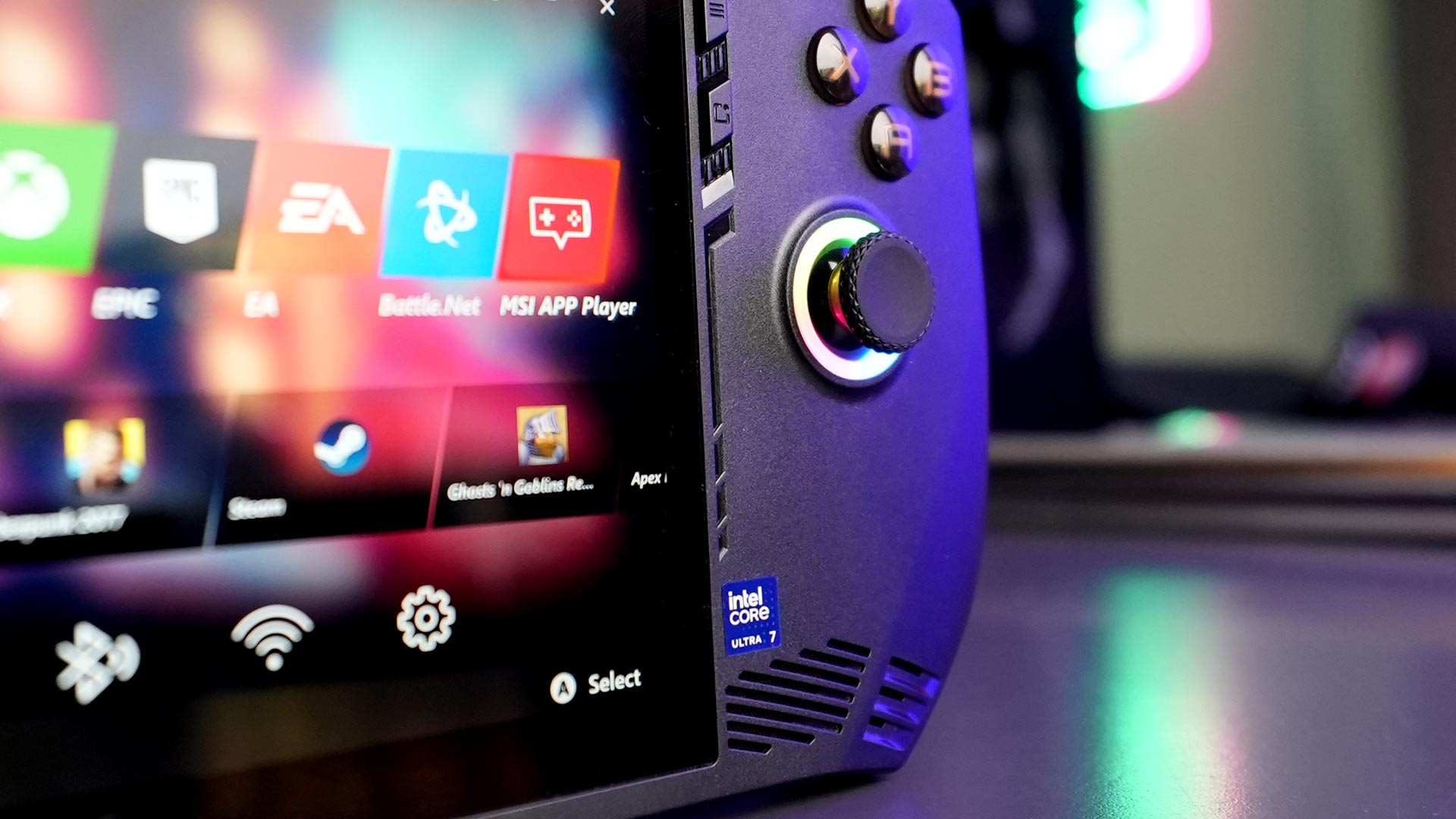
Out of the box, the MSI Claw A1M might not look that different from its competitors. It’s got a completely black shell with a 7” FHD (1920×1080), 120Hz, IPS Touchscreen smack bang in the middle. Analogue sticks, ABXY buttons, bumpers, and all the rest are in their regular places, including the two extra buttons on the back, which are now standard on this generation of handhelds. All the buttons and analogue sticks give satisfying feedback without feeling too sticky, except for the R1 and L1 bumpers, which do have a little more squish than the others.

It is a hefty device, weighing in at 675g, but it feels solid, and after a good shake, nothing on the inside seems to have been knocked loose. I thought the weight might affect long-term play, but I had no issues during a two-hour gaming session, and I was even brave enough to hold it above my head while lying down for a while. Bear in mind that I do CrossFit, and this is me obligatorily telling you that I do it so I can hold things above my head.
Overall, I like the design of the MSI Claw A1M, and it was comfortable to grip for longer gaming periods. On my Nintendo Switch, I tend to get tingles in my pinkies if I don’t have my grip case on, but I didn’t have that with the Claw.
Now, let’s get into the actual use of the device. At first, it’s a little confusing to use. Admittedly, Windows 11 is not the best OS for a handheld device, especially when you can’t easily attach a keyboard and mouse. However, after learning which button brought up which section of the MSI Center M overlay, I found it quite easy to navigate the device and switch between gaming and fiddling in Windows. I wouldn’t call the software intuitive, but generally, related apps were kept in the same place, and I could navigate to where I needed to most of the time. An update or two could be used here, though, for future reference.
I found the display suitably bright enough to use in most situations and could easily adjust it if needed. The speakers, located in the front on either bottom corner of the device, were also quite good for something portable. They won’t beat having a pair of headphones on your head, but they will certainly get the person sitting next to you on the plane to glance over their shoulder to see what you’re up to, with a hint of jealousy.

Gameplay on the MSI Claw A1M was usually very engaging, and I easily found myself losing track of time while altering time in Prince of Persia. Every now and again, I did experience some dropped frames, but nothing upset me enough to stop playing the game completely. Of course, in a more precision-based game, like Apex Legends, the frame drops, while few and far between, did impact my gameplay, and I played much less of that overall.
When attempting more graphically intense games, like Red Dead Redemption 2, I was slightly more than surprised. Historically, the Intel Arc range of GPUs has not fared well when it comes to 1% Lows; meaning more noticeable frame drops, severely impacting your overall gaming experience. While playing RDR2 on the MSI Claw A1M, my gameplay experience was quite enjoyable, but I did have to run to the wall charger a lot sooner than I had wanted to.
Throughout all my gaming, I ran the MSI Claw A1M on the Extreme Performance Mode, which obviously favours performance over battery life. While I could get more than two hours of game time when playing Prince of Persia, RDR2 had me clamouring for the charger after just one hour. Sure, Battery Saver mode might squeeze an extra few minutes out of the device itself, but for hungry games like RDR2, the dip in performance is not worth the time.
In RDR2, I had an average FPS of 62 frames, with a 1% low of 37, while in Prince of Persia, I had it capped at 120 FPS, which the Claw averaged comfortably, with a 1% low of 58 frames. I opted to cap the frames for Prince of Persia, as I didn’t feel much difference in general when set to max frames, but the drop to the 1% low was more excruciating.

When it came to being able to game on the go, I was not disappointed with what this handheld had to offer. The device did exactly what it was built to do, and I would be quite happy to have one of these in my backpack on a business trip somewhere exotic.
That being said, some things have to be mentioned. Overall, our experience with Intel’s graphical hardware has been a little underwhelming compared to its competitors. We saw this when comparing GPUs in our entry-level experiment. However, even since our own testing, Intel has made some pretty large leaps in improving the software that gets all their better-on-paper hardware to perform. XeSS shows some real potential, and with XeSS 1.3 already in the wild and showing off data that is slowly starting to out-perform AMDs FSR technology, it’s only a matter of time before portable Intel devices, like the MSI Claw, really show what they can do.
Of course, we also need to address the major price tag that comes with the MSI Claw A1M. We were lucky enough to get the top-of-the-range Intel Core Ultra 7 155H at the NAG offices, which cost a whopping $800. Currently, the Intel Core Ultra 5 135H model is selling in South Africa for R17,999, which means the higher-spec Ultra 7 155H will come in closer to, or even above, the R20,000 mark, presumably. That’s not a small chunk of change, considering what else is on the market.
However, I don’t think everything is lost for the MSI Claw A1M. For now, it is a hard sell with its superbly high price tag and need for software updates and patches, but it’s not something I can’t see happening. During the time we had the device at NAG, we already saw a graphics update from Intel that improved performance while maintaining quality, so my fingers are crossed.