Okay, so it’s fair to say that I’m a bit of a PlayStation fangirl. Some of my best gaming memories have been thanks to Sony’s consoles. When it comes to their PlayStation 5 add-ons like the DualSense Edge controller and the PSVR 2, I’m all in.
So, when the PlayStation Portal was first announced, I was excited – if not a little confused. PlayStation is no stranger to handheld devices, and while the PSP and PS Vita might be distant memories now, they were my first taste of what handheld gaming truly could be.
Flash to 2024, and the Portal is finally here; however, instead of being this generation’s handheld gold standard, it’s a way for you to take your console gaming into another room of your house—but not outside of it. If I’m being honest with you, it’s a weird limitation choice.
And while (spoiler) I’ve been having a really great time playing with the review unit and feel a ping of sadness knowing it has to go back, it’s also one of the first-ever PlayStation products that I have real difficulty recommending anyone spends their hard-earned money on.
But before we get into the meat and potatoes of things and dive into what I call The Good, The Bad and The Ugly, let’s take a look at what the PlayStation Portal is:

What Is The PlayStation Portal?
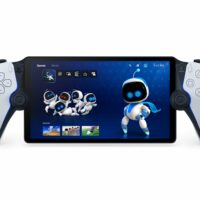
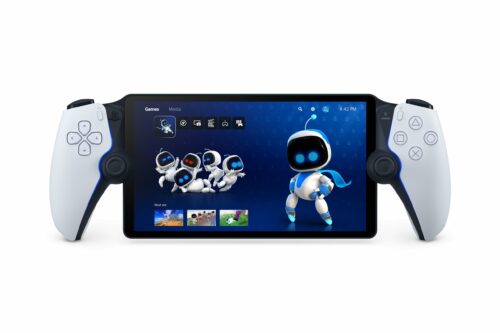
At its core, the PlayStation Portal looks precisely like a standalone PlayStation 5-branded handheld device, but it isn’t. It is a streaming/mirroring device consisting of a screen with half of a PS5 controller on each side, and it’s entirely reliant on your PS5 to do anything.
The PlayStation Portal is so reliant on your PS5 that unless your PS5 is powered on and has whichever game you want to stream installed and ready, the device is basically just a very expensive paperweight that won’t even allow you to browse through your game library or PlayStation Store.

Who Is It For?
So, if the device is just a way for you to mirror what’s running on your PlayStation 5, provided you stay within Wi-Fi range, you might be asking yourself what the point of it is, and I don’t blame you.
The question of who it’s for is one that I struggled with until I got the device and one that I struggled with again after spending some time with it. Allow me to explain.
So there are some particular uses for the PlayStation Portal; let’s say you live in a house where your PS5 is tethered to the only TV. In a case like that, having a way to play your favourite game while not hogging the TV can be an excellent way for everyone in the household to be happy.
Alternatively, it does give you some freedom not to be tied to one room while you play. Provided you feel brave enough and your Wi-Fi signal is strong enough, you could live out your best Spider-Man dreams while in the bath, sitting on the loo, lying in bed, or even sitting in Teams meetings if you work remotely.
However, you could also do all the above while using the free PS Remote Play app on your PC, tablet, or phone. By the way, that is exactly 100% the same app that the Portal uses without a single added optimization, so your experience won’t really be different either way.
But now let’s break everything down into some more detail, starting with the ways that the PlayStation Portal shines:

The Good
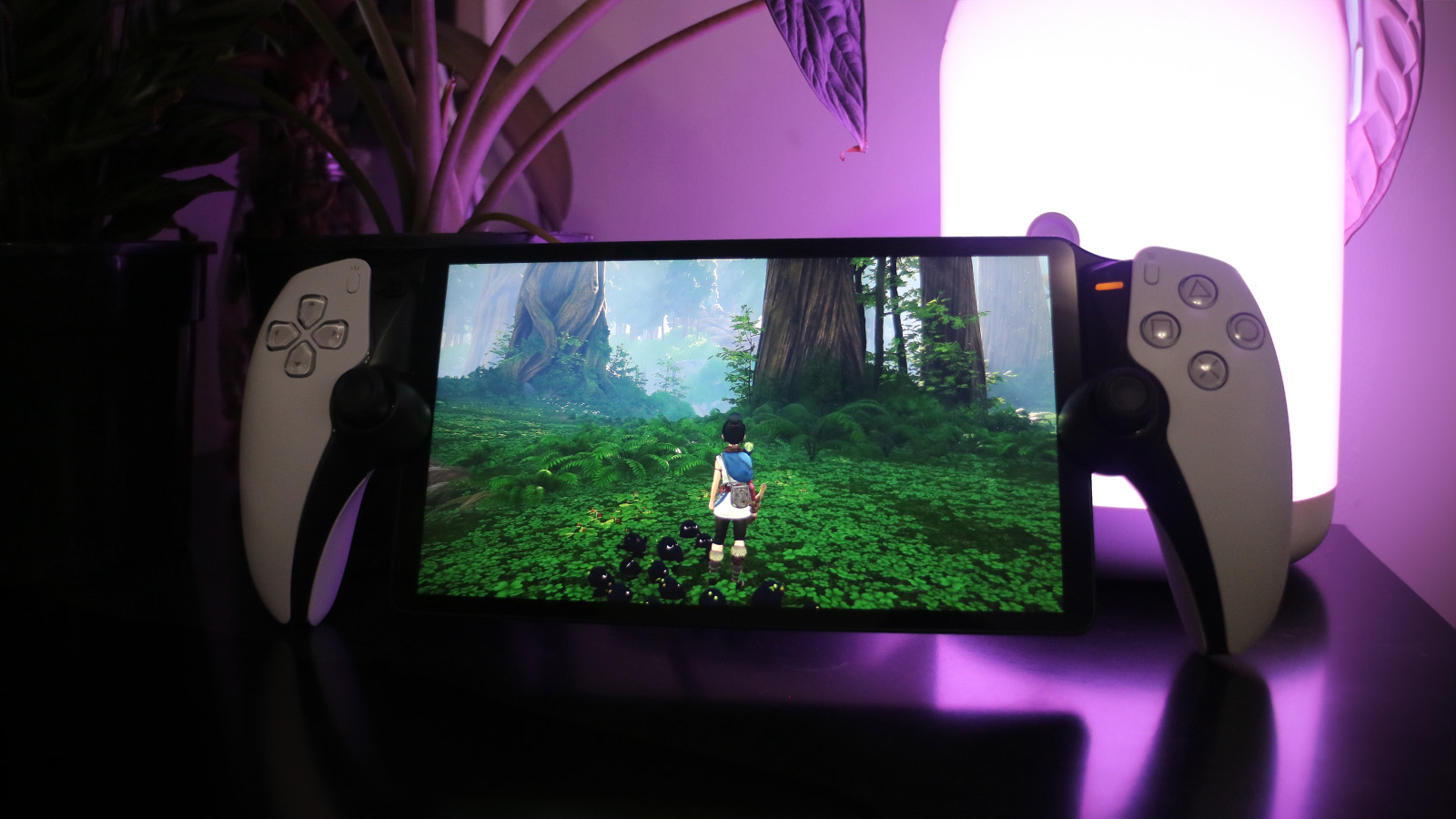
First, the PlayStation Portal looks and feels fantastic thanks to its big, crisp 8-inch display and excellent controller with full haptic support.
While the box it comes in gives you nothing other than the device and charging cable, it’s super easy to set up and pair with your PlayStation, and when you start playing on it, the whole experience feels very much like you’re using an actual DualSense controller to play on your PS5.
The PlayStation Portal also feels comfortable to hold and is surprisingly light, considering its size. The device is extremely smooth-looking with minimal distractions. Along the top is a power button, volume control, and dedicated PlayStation Link pairing button. On the inside, tucked behind the screen, is a 3.5mm jack and a USB-C port for power – and that’s really it.
Because the device is essentially a DualSense split in half, almost every feature you would expect from the controller is here. As usual, there are haptic feedback triggers, dual sticks, and face buttons, but the one thing there isn’t is the touchpad.
Instead, the main touchscreen of the device will let you bring up two smaller touchpads on either side of the screen at any time, which feels weird and awkward when you first start using the device, but it’s something you get used to quickly enough.
The screen also hits the mark, and its large size makes it comfortable to read game text. While it might not be 4K, every game I played on it looked almost as vibrant, crisp, and sharp as they do on my 4K TV, so it’s not something I would say you’ll miss too much with the device.
Overall, the PlayStation Portal is easy to use, great to look at and feels like a premium product. Now for where the device starts to lose some of that glamour:

The Bad
Okay, so before I get into the biggest bad of them all, let me talk about a minor gripe that I have with the device that comes with the audio.
So, the built-in speakers on the Portal are fine, but let’s face it: There are going to be times when you want to play with headphones instead of just putting on your game sounds while sitting on the couch next to your partner, who’s desperately trying to watch something on the TV now that you’re not hogging to it.
However, because Bluetooth connectivity is unavailable, your only options are to use wired headphones through the 3.5mm jack or use Sony’s proprietary Pulse earbuds or over-ear headphones.
For someone with a massive collection of wireless headphones that I love, finding out that I can’t use any of them really made me feel done by PlayStation’s stupid design decision.
The other niggle I had was with just how simple the device truly is. Setting it up with your PS5 is easy enough, thanks to some QR code scanning. However, because of how few menu options are available on the Portal itself, some other things are tricky.
For example, the Portal can’t pick up pop-up Wi-Fi logins, meaning that there are some situations where the Portal just won’t work at all. And then you have the ever-changing quality.
Because the PlayStation Portal just uses the already free and readily available PS Remote Play, it suffers from the exact same pitfalls as well.
Sometimes, your game streaming will feel butter-smooth, and you’ll hardly notice that you’re streaming the game from your PS5 and not playing it directly on the device. Other times, there will be a noticeable frame rate issue and lag—it just depends.
The final niggle I had with it before we get into the actual complaint is the fact that the device doesn’t come with any kind of case.
As you can see from the photos in the piece, the PlayStation Portal isn’t a small device. It’s essentially a long, thin screen supported by two halves of a Dualsense controller. While I love the design aesthetically, it’s not great to travel with, and the box it comes in has very little in it to actually cradle and support the device.
Even while the device was standing on my table to charge, I felt uneasy. It’s like I’m just one small mistake away from a very broken device—something I’ve never really felt with any other handheld.

Now For The Biggy:
The PlayStation Portal entirely relies on the PS5 to do anything. To use the PlayStation Portal, your PlayStation 5 console needs to be powered on, and your Portal needs to be connected to it – with no way to troubleshoot a broken connection on the Portal itself.
Also, because the device just streams, whichever game you want to play must already be installed on your PlayStation 5. So if there’s load shedding and your PlayStation 5 loses power or if your internet is down for whatever reason, your PlayStation Portal is 100% useless, and you won’t be able to do a single thing with it.
On that note, the Portal also doesn’t let you stream any media apps from your PS5, so you can forget about Netflix and Portal-ing.

That Brings Me To The Most Significant Thing: The Ugly
Perhaps the biggest issue I have with the PlayStation Portal because, at the end of the day, I do really like it, and I have found myself playing my PlayStation games a lot more thanks to not needing to be tied to my TV, is that I can use the PS Remote Play app on my PC, phone, or tablet instead and get pretty much the same experience with additional features.
And I’m not kidding here; I’ve run my iPad, PC, and PS Portal with PS Remote Play and, bar for missing out on the haptics that comes with the DuelScense attached to the PlayStation Portal, my experience was the same.
Only with my iPad and PC could I use whichever wireless controller and headphones I wanted, and when I get tired of playing, I can do whatever strikes my fancy, like watch YouTube or Netflix or browse social media.
And don’t get me wrong—I think the Portal is a visually striking device, and the added haptics make it a super immersive way to play PS5 games on a handheld from anywhere in your home. Still, it’s too limited to warrant a recommendation, especially when you can get the same experience elsewhere with little trouble.