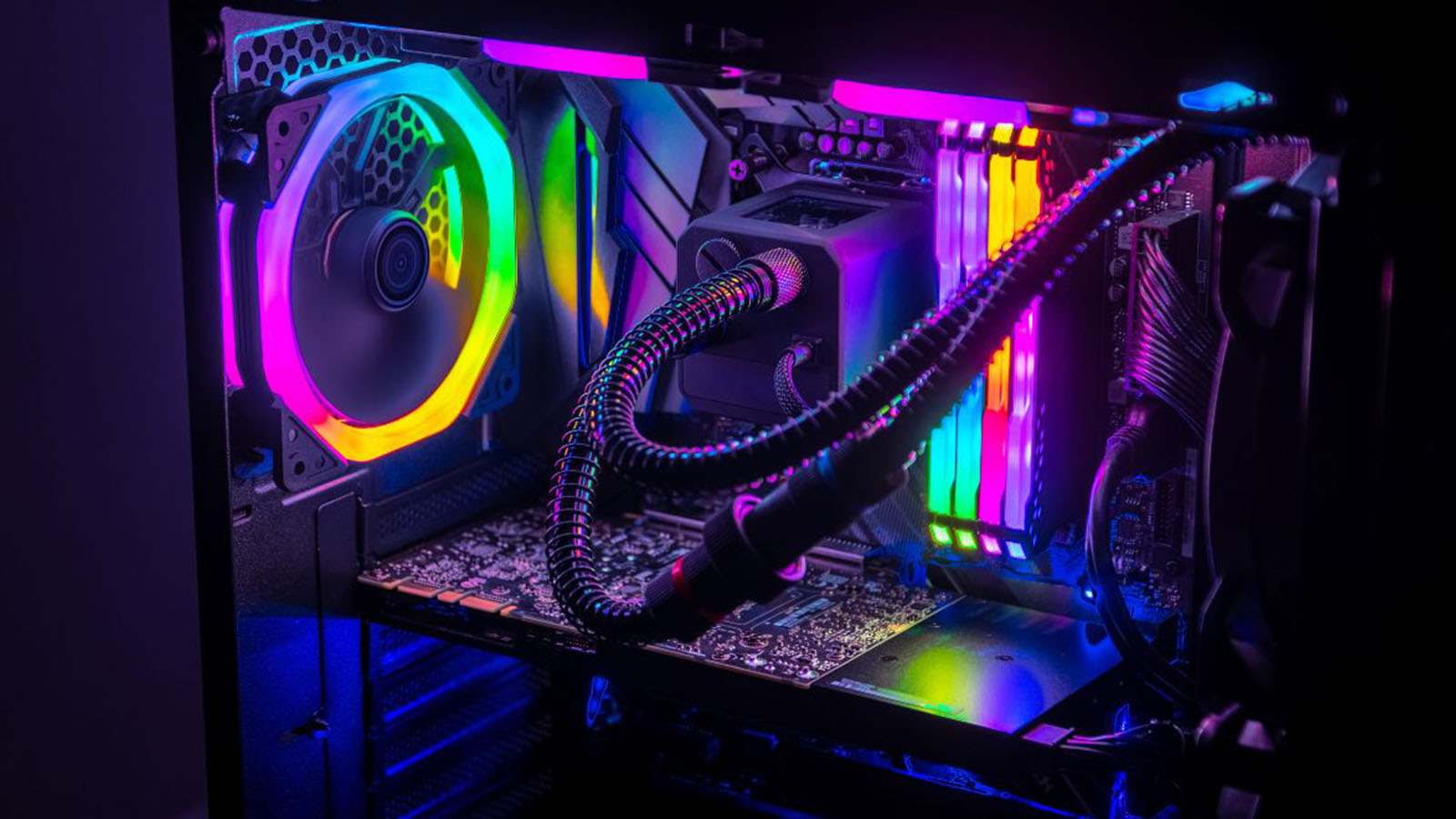
When was the last time you were genuinely excited about a Windows update? Well, now you have a reason to be. Windows added a new sub-menu under the Personalisation tab called Dynamic Lighting in the latest update.
What this sub-menu does is control your PC’s RGB lighting – natively. Direct RGB control has been something Windows has been teasing for months already. Now it’s here and available for everyone on Windows 11 to use.
If you’re asking yourself why this is exciting, it’s because, for the first time, your RGB controls can be unified. You’ll no longer need to install a collection of third-party apps to change that one light colour.
Currently, the Dynamic Lighting menu includes a fairly rudimentary set of features. All these features are optional, so if you prefer using the 3rd party apps you’ve grown used to, you can still do that without issue.

However, if you prefer having everything together in one place, the menu will allow you to change your RGB brightness, choose between six different light effects and control the speed of the effects.
You can also choose from a preset of colours or customize your own from the RGB or HSV colour space with hex code support.
RGB control isn’t the only fun thing that this latest update brings. Microsoft has also added a modern version of its SkiFree game that users can play while setting up Windows 11.
The mini-game should pop up if you have outstanding Windows updates available or if you’re restoring settings using Windows Backup, and while it’s not as exciting as unified RGB control, it is still a fun little easter egg to discover.
Now we want to hear from you. Are you excited to control your RGB natively, or will you stick to your tried and tested apps? Let us know in the comments.