One of the most overlooked decisions when building or upgrading a gaming PC is the monitor. Even though all of our gaming hardware and peripherals ultimately function to produce results on the screen, the monitor is frequently relegated to the last consideration when discussing PC upgrades. Unlike other computer components such as CPUs or GPUs, monitors tend to have a longer lifespan but are often given the least attention.
The monitor market is undergoing significant changes, offering us many options and features to contemplate, including TVs, which are fast becoming an option for many gamers. As such, it can be quite challenging to pinpoint what you need within a reasonable budget while ensuring that your display is as future-proof as possible.
With the Odyssey G5, Samsung says it has found a solution. To clarify, Samsung has various models, all bearing the Odyssey G5 name. The one under scrutiny today is the LS32AG550E, an essentially meaningless model number to the layman, but one that identifies it within many other Odyssey G5 SKUs.

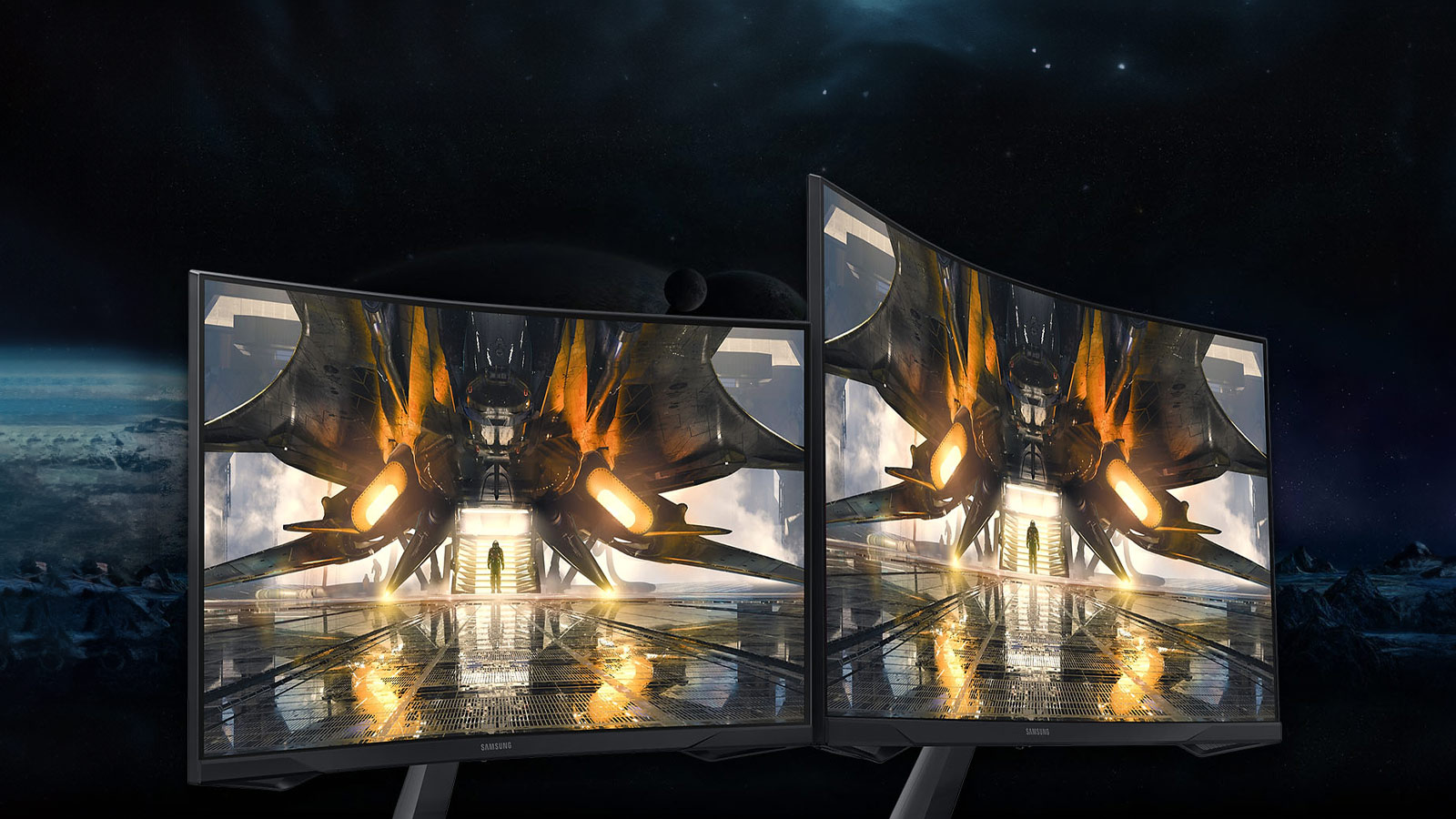
At its core, the Odyssey G5 is a 32-inch QHD (2560×1440) display, with its 1800R curve (the screen’s curvature) as its standout feature. Monitors of this size rarely offer such extreme curvature, but this is precisely what Samsung is banking on to sell this monitor. This curvature is certainly noticeable, but it doesn’t compromise the geometry of on-screen content. In fact, for gaming, it actually enhances the experience by adding a layer of immersion that you might not realise is missing until you use a similarly sized flat display side by side.
Physically, the extreme curve gives the unit a square appearance, reminiscent of older 4:3 television sets, as it is narrower than Samsung’s other G5 flat-screen models. Those who are sensitive to, or opposed to curved screens should steer clear of this one, as it is, as mentioned earlier, the key selling feature.
Putting the curve aside, this monitor delivers a more pleasing image than it technically should. However, that doesn’t imply it’s flawless. A noticeable backlight bleed is present on a completely black desktop, particularly at the top right and bottom of the display (this varies for each monitor). Nevertheless, the typical colour shift you typically encounter with flat panel VA (Vertical Alignment) screens is reduced, likely due to the curve, which minimises the angles at which this issue becomes prominent. Vertical Alignment is the alignment of the individual light-controlling pixels on the screen; for standard TN displays, the pixel arrangement is perpendicular. Overall, the picture quality is good, and amongst the best I’ve ever encountered on a VA panel.

Where the experience falls considerably short is with HDR content in games. When loading up CyberPunk 2077 and enabling HDR, the improvement is minimal, especially when compared to another IPS monitor I use daily, for reference. The Windows HDR calibration tool revealed that the maximum luminance before the test image disappeared was 350. While it’s unclear what this value refers to, it highlights the differences between the IPS display and the Odyssey G5 in their handling of HDR. The IPS display’s test image only disappeared at a setting of 560, despite both displays carrying HDR10 certification.
Elite-level and competitive gamers will likely encounter other issues related to input latency and ghosting with this monitor. However, for gamers who lean toward more immersive, narrative-driven games, HDR may prove to be the sticking point, especially if they’ve heard or read about the exceptional HDR reproduction of the Samsung Odyssey G7.
Physically, this monitor also has some compromises, specifically the lack of meaningful adjustment options. It lacks height or swivel adjustments, as you can only tilt the monitor to a limited degree. The input area at the back of the monitor is also less than ideal, especially if you’re using a thick display port or HDMI cable, as it may get bent due to the circular cut-out.

Regarding the OSD, it’s one of the better ones. Navigation is easy through the multi-directional jog button at the bottom of the screen bezel, and the menus are logically arranged and responsive. Unlike competing monitors, the Odyssey G5 doesn’t have software; you can download a Windows colour profile from Samsung, but that’s about it. Any changes or configurations for the monitor must be made through the OSD menu.
Overall, the Samsung Odyssey G5 is a competent gaming monitor. It offers a reasonable screen resolution at 1440P, a fast refresh rate of 165Hz, FreeSync Premium support, and, of course, an 1800R curve, all meant to cater to your gaming needs for years to come. Its performance depends on the type of game you’re playing and the settings you choose. For the average gamer seeking a quality, high-resolution display with a few extra features, the Odyssey G5 is worth considering. However, priced at around R7,000, it faces stiff competition from the likes of LG, Philips, and AOC, each offering a similar model that excels in some areas while compromising in others.
For most users, especially those upgrading from a 1080P TN panel, the Odyssey G5 represents a worthwhile upgrade. Compared to such monitors, the Odyssey G5 outperforms them in every aspect. If you’re willing to overlook a few shortcomings and focus on its strengths, you’ll find that the Odyssey G5 offers relatively good performance for the price.