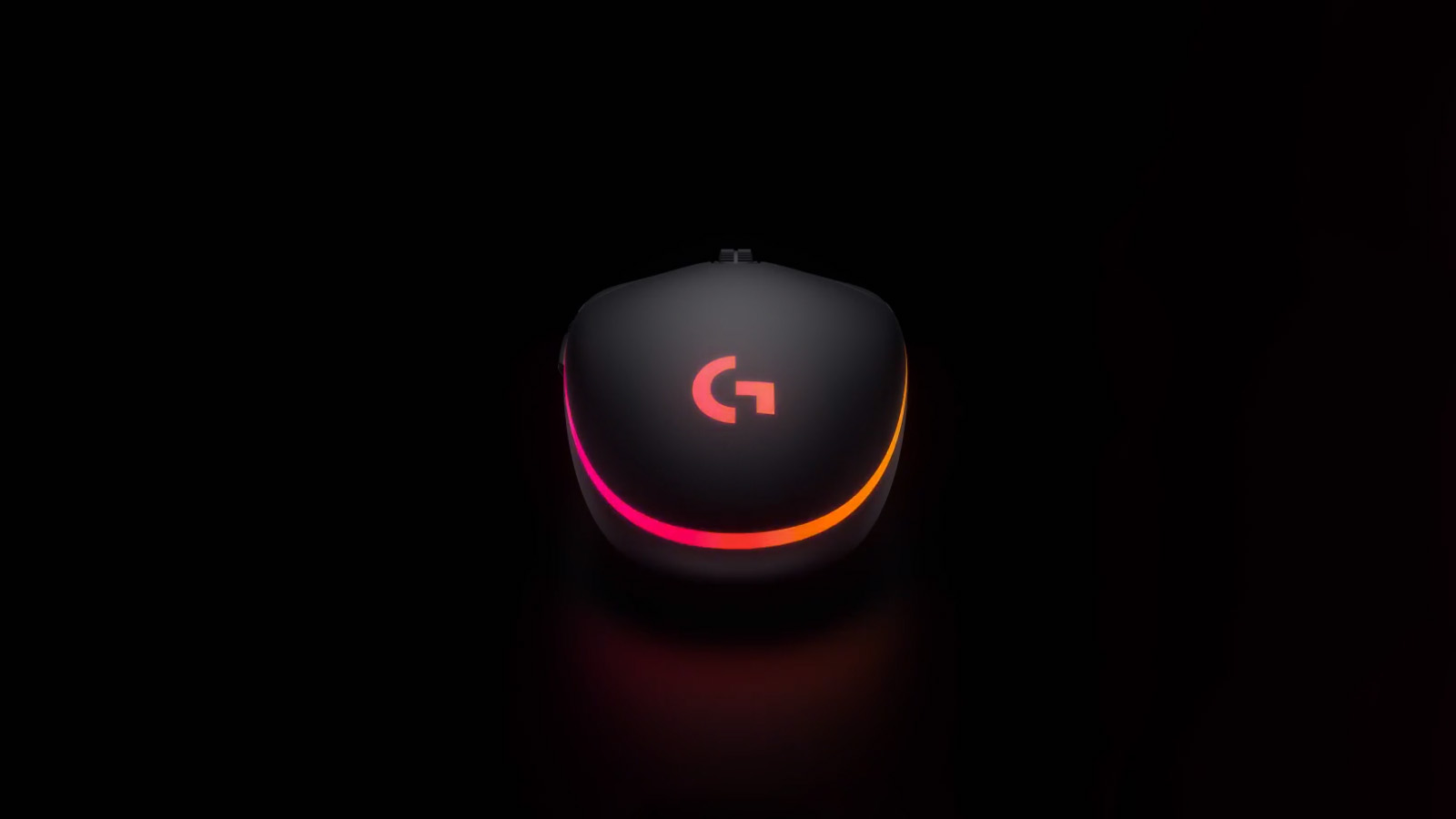
The Logitech G102 or G203, depending on what region it comes from, is an entry-level, no-fuss gaming mouse that won’t hurt the wallet. My only concern might be it’s longevity.
Let me just clarify the quick naming discrepancy to avoid some confusion because both mice are available for purchase on the South African Market. The G102 and the G203 are basically the same mouse. The G102 was named for the Asian market, and the G203 was named for the EU/US market.
The G102/G203 is a wired, relatively lightweight mouse that very closely resembles the Logitech G Pro. In fact, if I had to put them side-by-side, besides a few subtle differences like the braided cable on the G Pro, you probably wouldn’t be able to tell the difference.

It has the same classic shape, which is quite compact and seems to work quite well for both claw and full palm grips. However, I found that the mouse was a little too flat, so if I did palm grip it, my fingers fell a bit over the edge of the buttons. It didn’t affect my ability to press anything, but it gave me the same eerie feeling as having my feet hang off the edge of the bed at night. Luckily, I’m more of a claw grip kind of guy anyway.
The G102/G203 features the 6-button design that you find on a lot of Logitech mice. The two main clicks, the two thumb clicks, the mouse-wheel click and the DPI button placed behind the mouse wheel. The DPI button is a little further back than I would prefer, but I assume it’s been put there to try and avoid accidental pressing. The scroll wheel has a nice tactile feedback, and so do the other buttons on the mouse. Logitech says that the mouse has a “Logitech G exclusive metal spring button tensioning system” beneath the main clicks, but they don’t feel too far off of a general “office” mouse from Logitech. They are quite loud when you click them, but I appreciate that kind of feedback from my mouse.
You can configure the mouse’s DPI setting in Logitech G-Hub and can have three presets ranging from 200 all the way to 8,000. The sensor may not be Logitech’s Hero 25k Sensor, but it does offer up to 1ms polling, or 1,000hz.
The glides feel smooth when moving the mouse across my mouse pad, and even though it’s a whopping 25g more than my Logitech Superlight, it doesn’t feel uncomfortably heavy. I do find that the cable tends to pull the cursor just a little at times, but that’s a wired mouse problem across the board.

The G102/G203 also comes standard with Logitech’s Lightsync, meaning you can sync it up with the rest of your Logitech hardware in GHub. The RGB is bright and beautiful and has a smooth flow between colours, something that I find a lot of cheaper mice seem to lack.
Every which way you look at this mouse, you see good things, and I’ve yet to tell you the best part: the G102/G203 retails for around R400. That’s 20% of the cost of the Logitech G Pro that the G102/G203 is based on.
My only concern for the mouse would be how long it will last you. To get the mouse to cost so little means things have had to be changed. Yes, it doesn’t have all the fancy tech from Logitech in terms of sensors and hybrid optical sensors, but when digging through the wild wild web, it seems like the G120/G203 will get you at least two years of use before anything starts to fail. Two years of gaming-level action for R400 sounds like an absolute steal to me.
If you’re looking for a quality gaming mouse that won’t cost you your favourite toe, then the Logitech G102/G203 should be on your list and, in my opinion, on the very top of it.