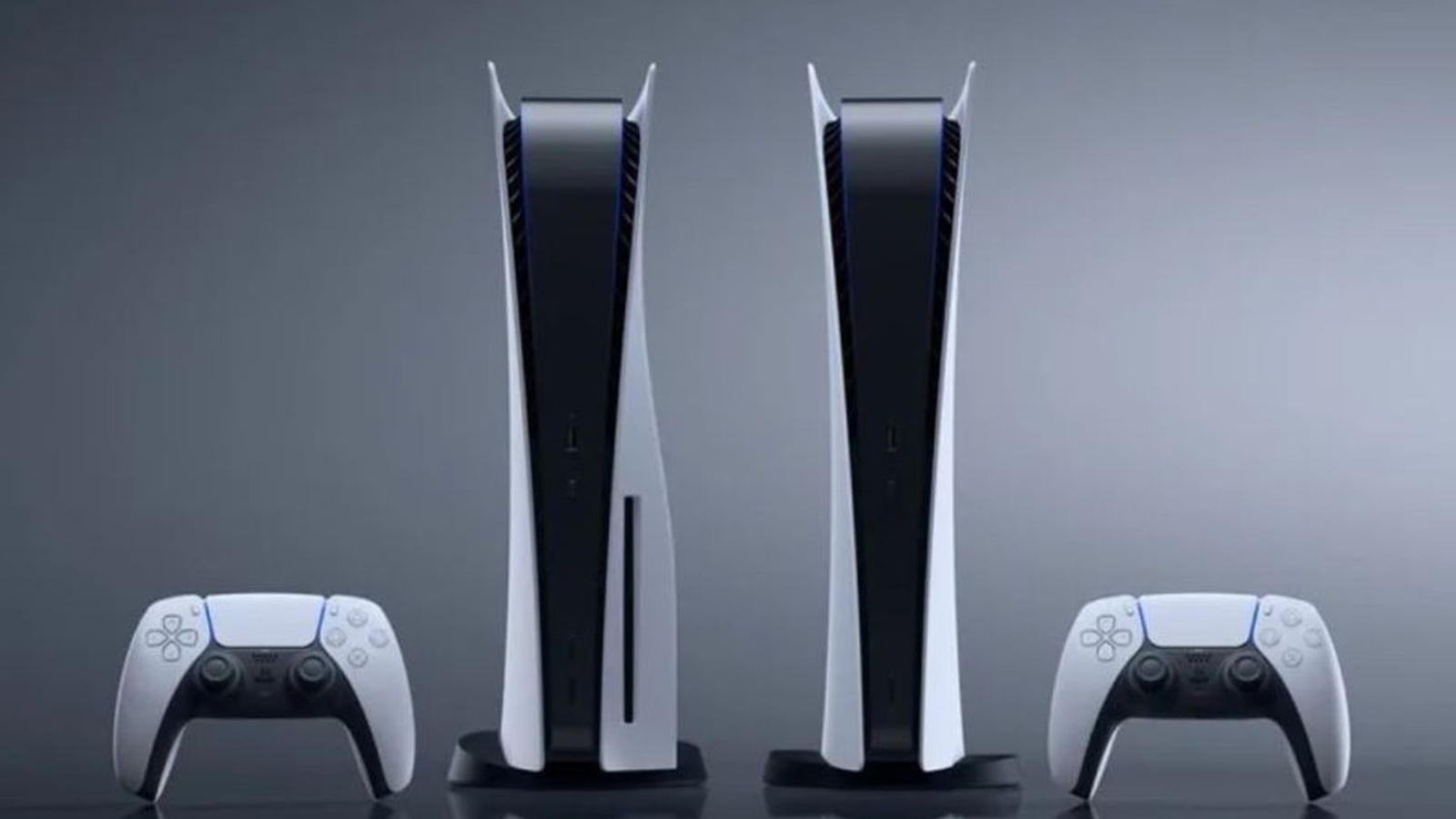
I love updating the PS5 console when the update is full of juicy goodness and not just another security update because some people out there love stealing our accounts.
This latest update, which has just launched globally, contains a whole host of features, from improved accessibility to Dolby Atmos-supported devices. Social features have been enhanced, more Android devices have access to remote play, and the PS5 now supports larger SSDs.
Let’s dig in!
Coming from the recent beta firmware, a few of the new accessibility features that we will now get include adding a second DualSense controller for assistance:
You can now assign a second controller to one account as an assist controller and use two controllers to operate your PS5 console as if you were using a single controller. This feature introduces a new way for you to enjoy games collaboratively with others or help a friend or child navigate a particularly challenging section of a game.
- To use an assist controller, go to [Settings] > [Accessibility] > [Controllers] > [Use Second Controller for Assistance], and then turn on [Use Assist Controller].
- You can use an assist controller when your main controller is a DualSense or DualSense Edge wireless controller or a PS5-supported third-party controller.

Sony has also added the ability to enable haptic feedback through your controller while navigating the menus out of games:
You now have the option to turn on haptic feedback effects while navigating your PS5 with your DualSense controller, DualSense Edge controller, or PS VR2 Sense controller.
- When enabled, system sound effects for certain events will also be reflected physically through haptics, such as moving focus, reaching the end limit of a scrollable section, checking a box, or when you receive a notification or start up a game. This optional feature enhances immersion and is particularly useful for players with some level of sight or hearing disability, who appreciate the additional feedback on their inputs.
- To turn on this feature, go to [Settings] > [Accessibility] > [Controllers], and then turn on [Haptic Feedback During Console Navigation].
Now that Dolby Atmos support has been added, those of us with devices such as soundbars, TVs or home theatre systems that support 3D Audio powered by Tempest 3D AudioTech can enjoy greater levels of immersion from our PS5 consoles:
- To turn on Dolby Atmos, go to [Settings] > [Sound] > [Audio Output] > [Audio Format (Priority)], and then select [Dolby Atmos].

If you have a Chromecast with Google TV 4K or a Bravia XR A95L, you’ll be excited to hear that the Remote Play app is now available on these devices. This will allow you to connect to your PS5 from the TV in your “office” while your partner carries on watching their favourite show on the TV the PS5 is actually connected to.
- PS Remote Play allows you to stream games from your PS5 or PS4 console to another device – including smartphones and tablets (iOS and Android), PCs and Mac – over the internet or through your home network. This provides you with more options to enjoy your favourite games even when you’re away from the living room.
- Starting today, the PS Remote Play app will be available on devices running Android TV OS 12.
- Here are the verified devices so far:
- Chromecast with Google TV (4K model)
- BRAVIA XR A95L model
- To use Remote Play on these devices, search for the PS Remote Play app on your Android device to download and install the app.
- To learn more about PS Remote Play, visit PlayStation.com.
The new system software update will also allow users to install an M.2 SSD with up to 8TB of storage. This is double the previous 4TB storage limit. With the new Call of Duty Modern Warfare on the way, this upgrade is going to be essential:
- You can now use an M.2 SSD with a maximum capacity of 8TB (up from the previous 4TB limit) to expand storage space on your PS5 console.
- Important: M.2 SSDs must meet the requirements outlined on this page. Please read the page linked above carefully before purchasing any M.2 SSDs for use with your PS5.
There are a host of other new features added in this latest update. If you’d like to read through them all, you can check out the official blog post from Sony here. Otherwise, go ahead and install that system software ASAP; there are games to be played!