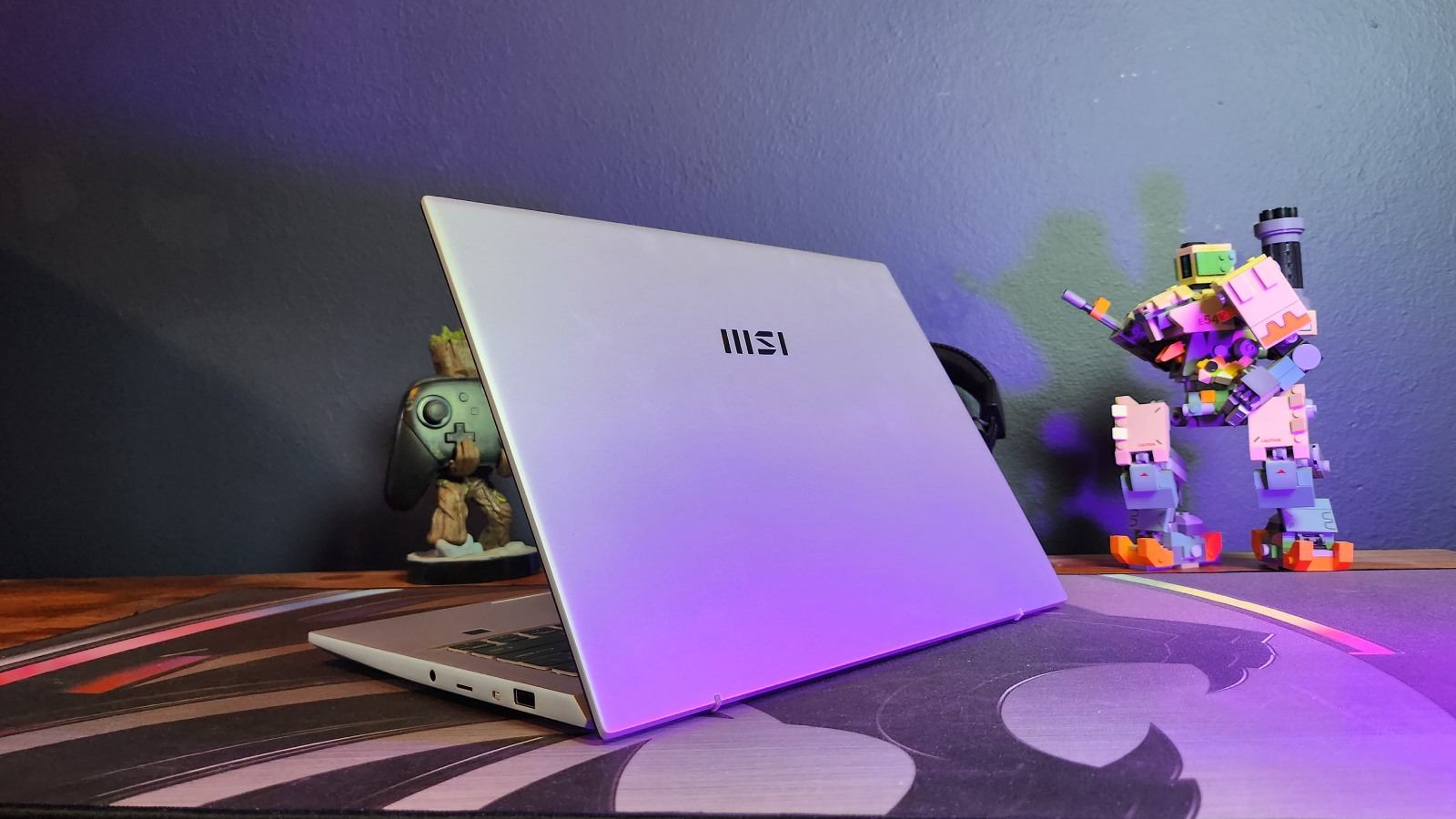
When someone tells you they have an MSI Prestige Series laptop waiting for you on your desk, you immediately feel a rush of endorphins. The excitement is just that uncontainable, the thing is, the one that I have been playing with for the past few weeks lost that excitement factor quicker than I could change my underwear.
The Prestige Series from MSI are generally high-quality, portable machines designed for content creators. Packaged with enough hardware to take on all the content creation tasks you throw at it. While the Evo 14 I had in for review is a workhorse for sure, its lack of GPU, unfortunately, puts it into the oversaturated category of “just another silver business laptop”.
I had the latest MSI Prestige 14 Evo B13M, an upgrade from last year’s model. It comes standard with the latest Intel Core i7-13700H Processor, 16GB of RAM and a 1TB SSD. The 16:10, 14-inch, FHD (1920X1080) IPS Panel provides a decent viewing experience from all angles, and the keyboard below it is comfortable but in some places too compact. The arrow keys have been squished up in the bottom, and I often found myself hitting the wrong buttons when I tried to use them.
The laptop is encased in a full aluminium shell from top to toe, except for the slim, plastic bezel around the screen. This still gives it that premium, cold feel while allowing it to weigh in at a tiny 1.4 kilograms. It feels very solid when tucked under your arm as you run from one meeting to another, and the hinge is strong enough to keep the laptop down while you open up the lid.
I did enjoy the amount of ports the laptop has on offer. On the left, you’ll find an HDMI 2.1 port, coupled with 2x USB-C Thunderbolt 4 ports with PD (USB-Power Delivery) charging capabilities. The right-hand side has a Type-A USB 3.2 Port, a Micro SD Card Reader and a 3.5mm audio jack. Some may ask what you would need the card reader for, but I have had my butt saved multiple times by that port. The USB-C ports are my favourite here, though, because the laptop’s standard 100W charger uses one of these ports to charge the laptop; it means that my power banks that support PD charging can also charge the laptop should I be stuck somewhere without power. When you live in South Africa, and electricity is about as reliable as your knowledge of what way the USB stick must be plugged in, then having the ability to keep things going from your backpack is a huge plus.
 This has probably got you wondering how good the battery life is on the laptop without all the need for this extra power. I can say that I was suitably impressed with how long the laptop has lasted. Most days, I will spend around 3 hours on the laptop doing the normal things that you’d expect to do in an office: working on 15 documents, running five different YouTube tabs alongside the 16 other Chrome tabs you have open and playing some music. I’ve only had to charge the laptop once every week. That’s probably around 15 hours of usage time and quite a bit of sitting in my backpack in sleep mode.
The fingerprint reader was also fun to use if you enjoy early 2000s spy movies and everything is fingerprint encrypted. It also means you have to keep your hands clean whenever you want to use the laptop because it won’t pick up your finger otherwise. Not the worst habit to have.
With all these cool features, though, there isn’t really anything that makes the MSI stand out from the rest of the silver, metallic business laptops out there. If I had to put it in a line-up next to three other brands, it would almost be hard to say which one was which, and that’s a bit of a pity.
 Of course, we’re gamers here at NAG, so you know I had to at least try a game on the computer, because some work can be play too, right? I opted for Apex Legends and Fortnite since they’re free, and almost everyone is playing at least one of the two.
Settings for both games were set to FHD resolution and ultra settings just to see if that Intel Iris Xe graphics chip could give me a little bit of oompf. Apex Legends runs okay. I am used to a much higher and more stable frame rate than what I was getting, which was, on average, 50 fps, but the 10-frame dips down to around 40 fps were quite noticeable and made the game much less enjoyable. Fortnite was a lot more stable, though, and I could comfortably play the game at 60 fps without too many issues. I would say that I’d probably stick to playing Solitaire and doing word searches online if I were to game on the laptop, though.
All things considered, the MSI Prestige Evo 14 may be a good performer for cloud gaming, but we are yet to see who gets to launch this service first in South Africa.

The 3D Mark score for Time Spy was 2029, which isn’t bad for a machine that doesn’t have a gaming-grade GPU. Unfortunately, Time Spy was the only 3D Mark test I could run, as the rest require a more powerful GPU to run.
Don’t get me wrong, the MSI Prestige Evo 14 is a great business laptop to have, but other than that, it doesn’t feel like it delivers much more. If you’re looking for a laptop to work on, then definitely have this one on your list, but I feel like it would be the one that has the best price at the time that most people would go for. The MSI Prestige Evo 14 retails for around R31,000 but for that price, you can find a laptop with a swanky GeForce RTX graphics card if you want something more powerful.