Everybody loves being in a comfortable space. Even those that love breaking boundaries and pushing the limits do. There’s a need to be able to be in a space where you can just be calm and collected. At peace, if you will.
Unfortunately, to be in a comfy space these days, we need a little bit of security. A bit of safety. The comfort of knowing that you are being watched over. You get me; I’m talking about security cameras.
These days, with everything being a smart device, ready to be plugged into your smart home, security cameras are a cinch to set up. We no longer need to run miles of analogue cable to get from your recorder to your camera. You’re golden as long as you have a good WiFi connection to where you need the camera to be. Granted you will still need to provide power to these devices, and that might prove a challenge, somewhat, but wireless electricity just isn’t as ready as we need it to be yet.
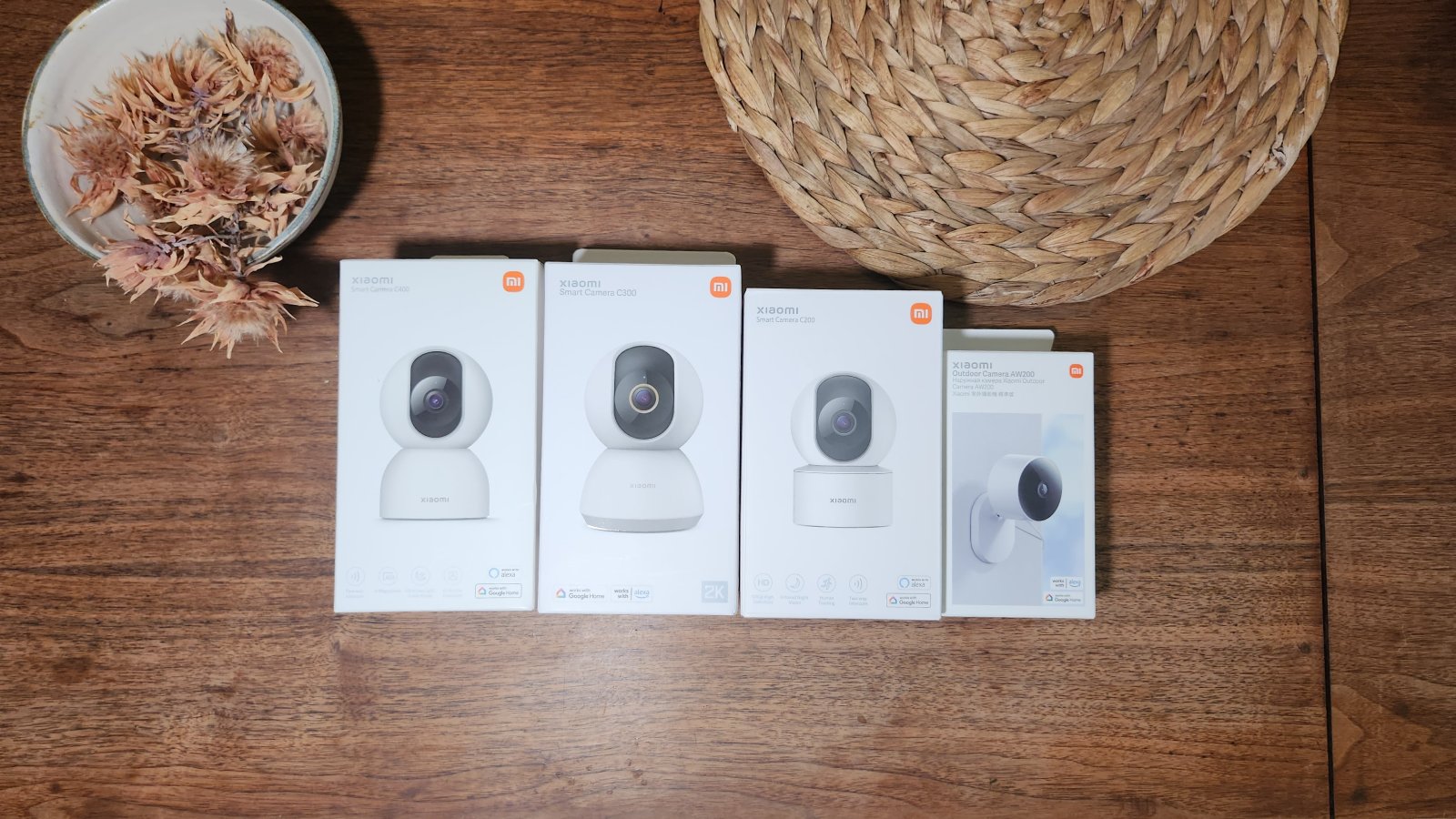
I’ve had cameras set up at my house for years, I’ve got a mix of some old school ones and some new school ones, you know, the ones that have WiFi. I have not, however, had the chance to play around with Smart Home cameras. Xiaomi thought I needed some, so they sent me their latest range, the C200, C300, C400 and the AW200.

I’m not going to dig too deeply into the specs of each camera, as they’re all quite similar. The just of it is the resolution on the C200 is 1080p, the C300 is 2K, and the C400 is 2.5k (Just slightly better than 2K). The AW200 is 1080p, but it is an outdoor camera, sporting an IP65 and outdoor protection on the power cable, so she can watch your plants grow for you. All three cameras in the “C” range have PTZ capabilities, which is a heck of a lot of fun, and all four of them can all connect to your Google Home or Alexa eco-system. All four cameras also support two-way communication, so you can use them to chat with people at home while you’re out or at your gate while you’re in, and they all connect with the Mi Home app.
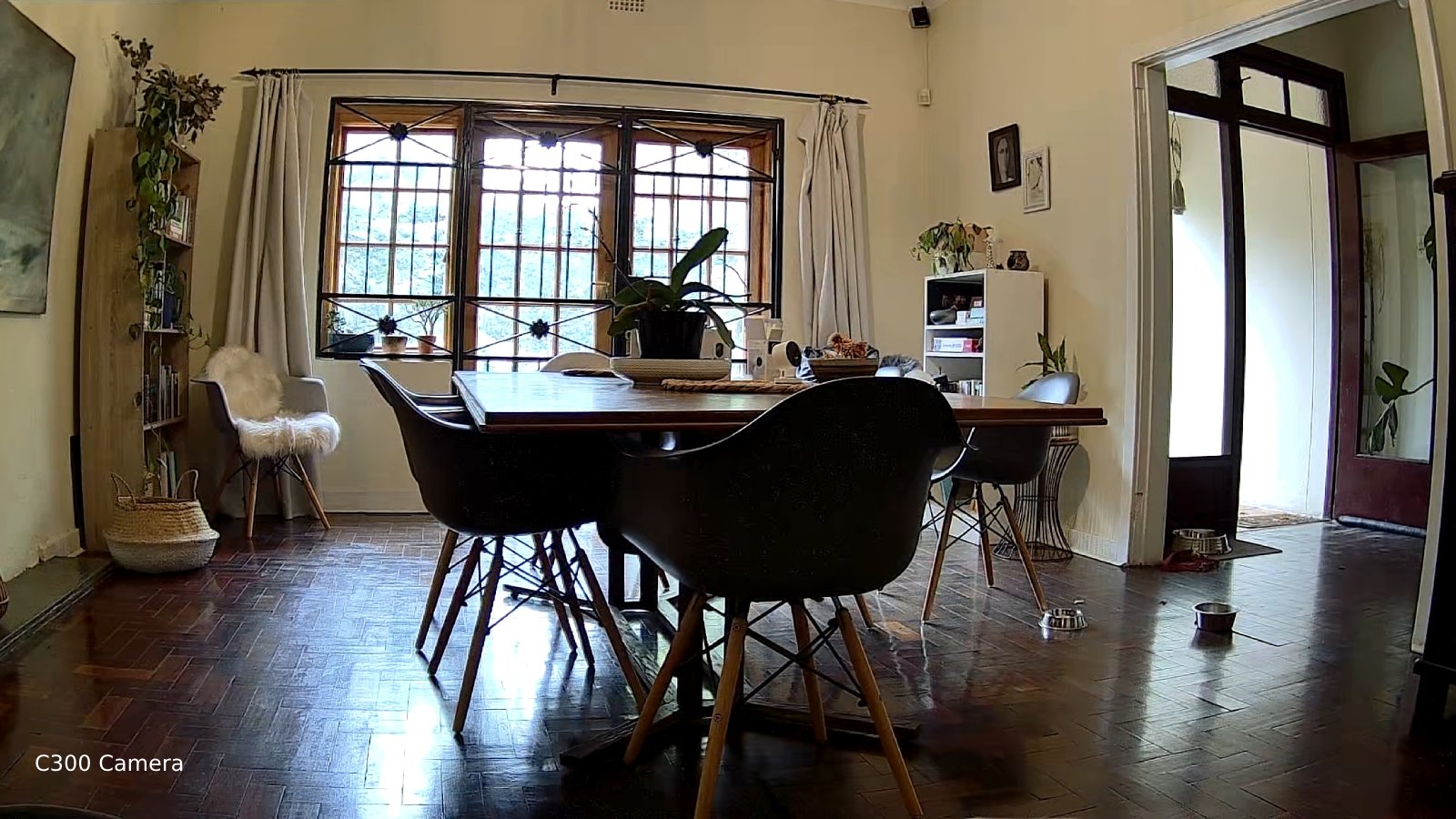
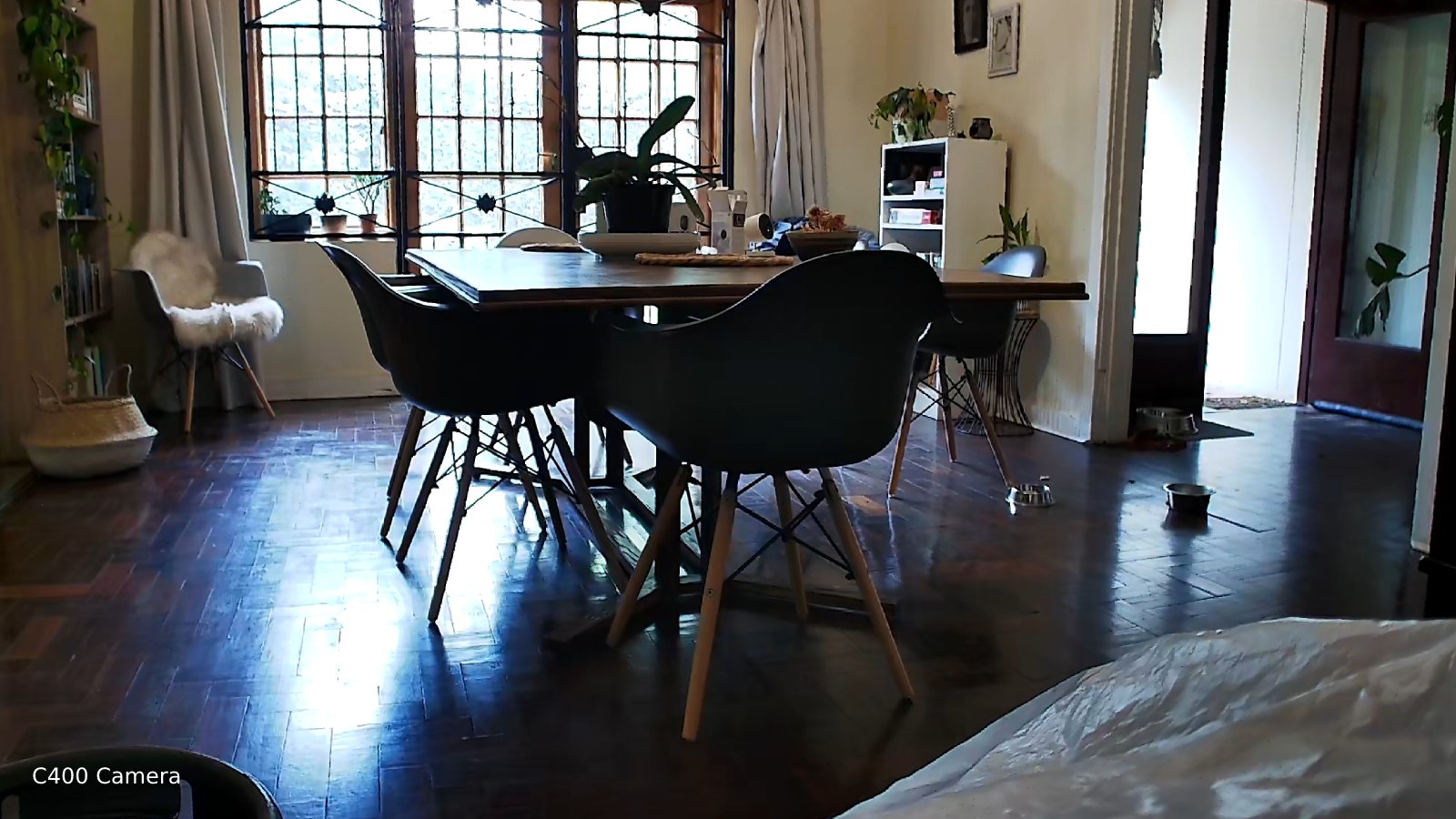
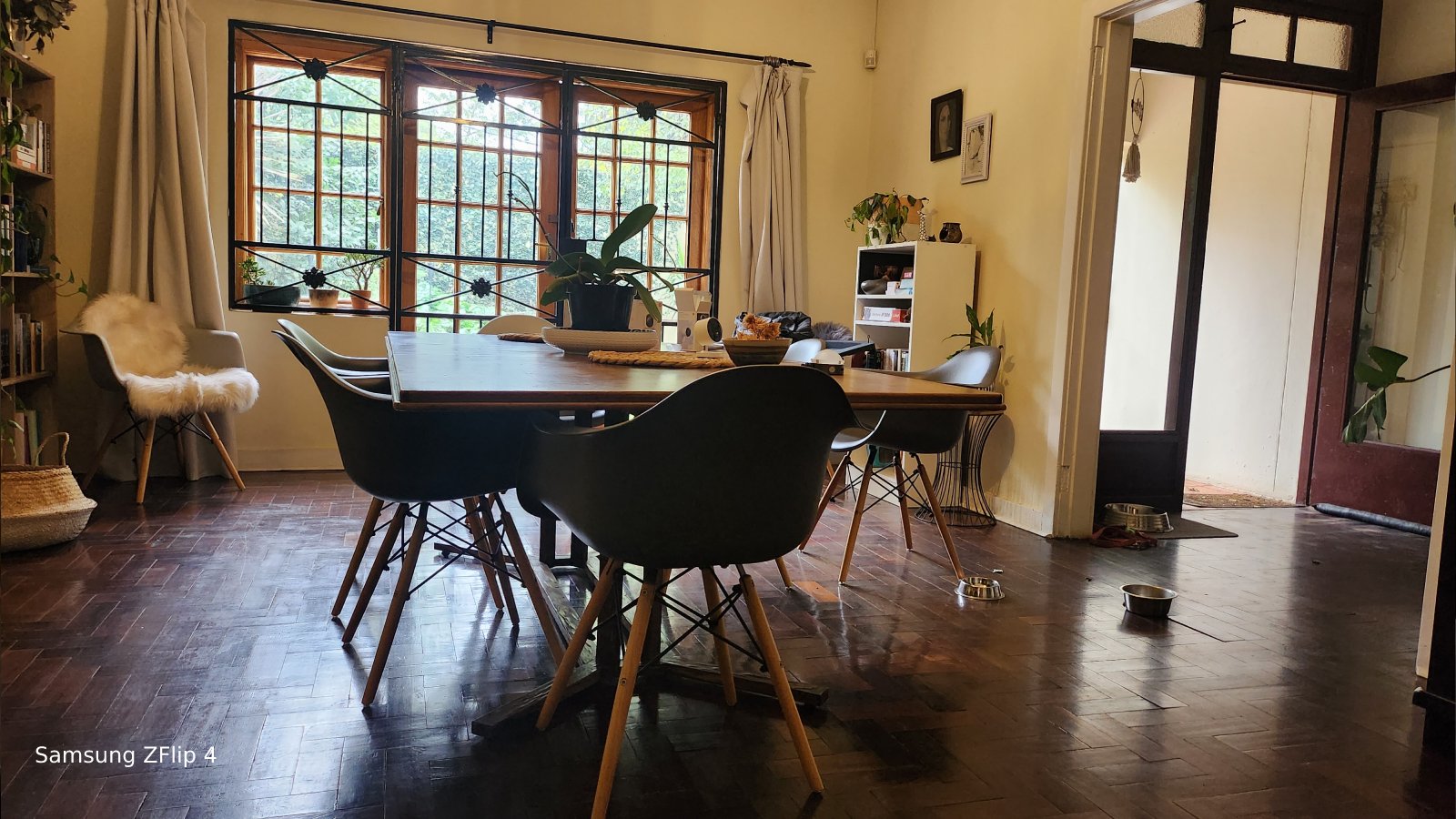
Now, let’s dig into my experience with these cameras and what it was like having them around my home for a while.
Let’s start from the beginning, setting them up. I started with the C400, as I imagined this would be the cream of the crop. I popped it out of its box and hooked it up to a power supply. It turned on instantly and immediately started shouting at me in a very hard-to-understand accent. I tried to hear what she was saying, but it was impossible. The camera kept repeating whatever it was repeating, and it was not soft either. Eventually, my wife started shouting as well, and I was forced to crack open the manual. I had to scan a QR code on the bottom of the camera to add it to the Mi Home app. I literally scanned every other QR code on the packaging before realising this. *internal facepalm. Once the camera was on the app though, it was pretty much smooth sailing from there. What I really mean is no one was shouting at me anymore.
Before adding the rest of the cameras, I fiddled a little with the settings on the C400. It has AI human detection, which means it can pick up if it’s me walking past or if it’s my doggo. This is a pretty neat feature because if you set up alarms on the camera and you only want it to alert you when an actual human is, let’s say, taking a bite of your sandwich, you can do that. If your pup takes a bite, we can let it slide. The other cool thing the C400 can do is track the human. So if the person walks past the camera, it will follow that person’s movement until they leave the camera’s vicinity, and then it will return to the default position you left it in. It’s really cool to see the camera in action, tracking people as they walk through the house, but my wife did say it was a little creepy. Especially once I had them all up, watching you closely, tracking your every move… putting the lotion on.

The setup experience for the C200 was exactly the same as the C400, turn it on, get shouted at, set it up. Luckily I was ready for the shouting, so it was short-lived. The C300, on the other hand, had a perfectly audible voice and told me exactly where the QR code was on the first go. I much prefer her to the shouty lady on the C200/C400. The weird thing about the C300, though, is that they have added alerts for “baby crying” but removed the ability to track people. I don’t know why they did it this way because the camera can still track motion detection, but just no people tracking. It seemed like a weird change between cameras and would’ve probably been better if this had been explained on the box.
If you want to keep recordings for a few days, which I recommend, then you have three options. One, pop in an SD card for each camera, this used to be a shlep because you would need to pull the card out each time to view the footage, but you can access it from the app these days. Two, and this is my personal favourite method, is to connect a NAS drive for the cameras to dump their recordings onto, and three, the easiest option, is to pay the monthly subscription for cloud storage. At R49.99 per month for seven days of history or R69.99 for 30 days, opting for the cloud storage option is not such a stab in the gut.

The other neat thing that comes with smart home cameras is their ability to connect to the rest of your smart home devices. For example, if my C400 picks up that someone has entered the home between 17:00 and 17:30, it should pre-warm our air-fryer so it’s ready to fry some air. While this may sound gimmicky at first, once you have set up a comfortable daily routine, especially for those of us who work from home, it starts to make life easier and more convenient. Someone at your door? If your smart doorbell rings, you can have your camera pop up on your phone and initiate a 2-way chat, whether you are home or not. The possibilities are endless, mostly.

Given the opportunity to “re-camera” my home, I’d opt for the smart camera over the old-school camera systems. This Xiaomi range may have a few weird issues, but only for the first 10 minutes of setup. Once they are up and running, there is nothing more comforting than having the ability to check up on my puppers while I’m out shopping, or to see what’s happening outside without leaving my PC, like not even lifting a toe. My recommendation, get a mix of the C300 and the AW200 for use for inside and outside.