Let’s start at the beginning. For the longest time, I was that person who refused to spend any actual amount of money upgrading my monitor. Until I did, and now my eyes can never go back. I equate the experience to when I got glasses for the very first time. I remember sitting in the optometrist’s office highly, upset that I was there because I could see everything and my eyes were magnificent. Flash to 30 minutes later, and with the glasses on my face, I was looking around at the world in wonder and realising that life is not streamed in SD.
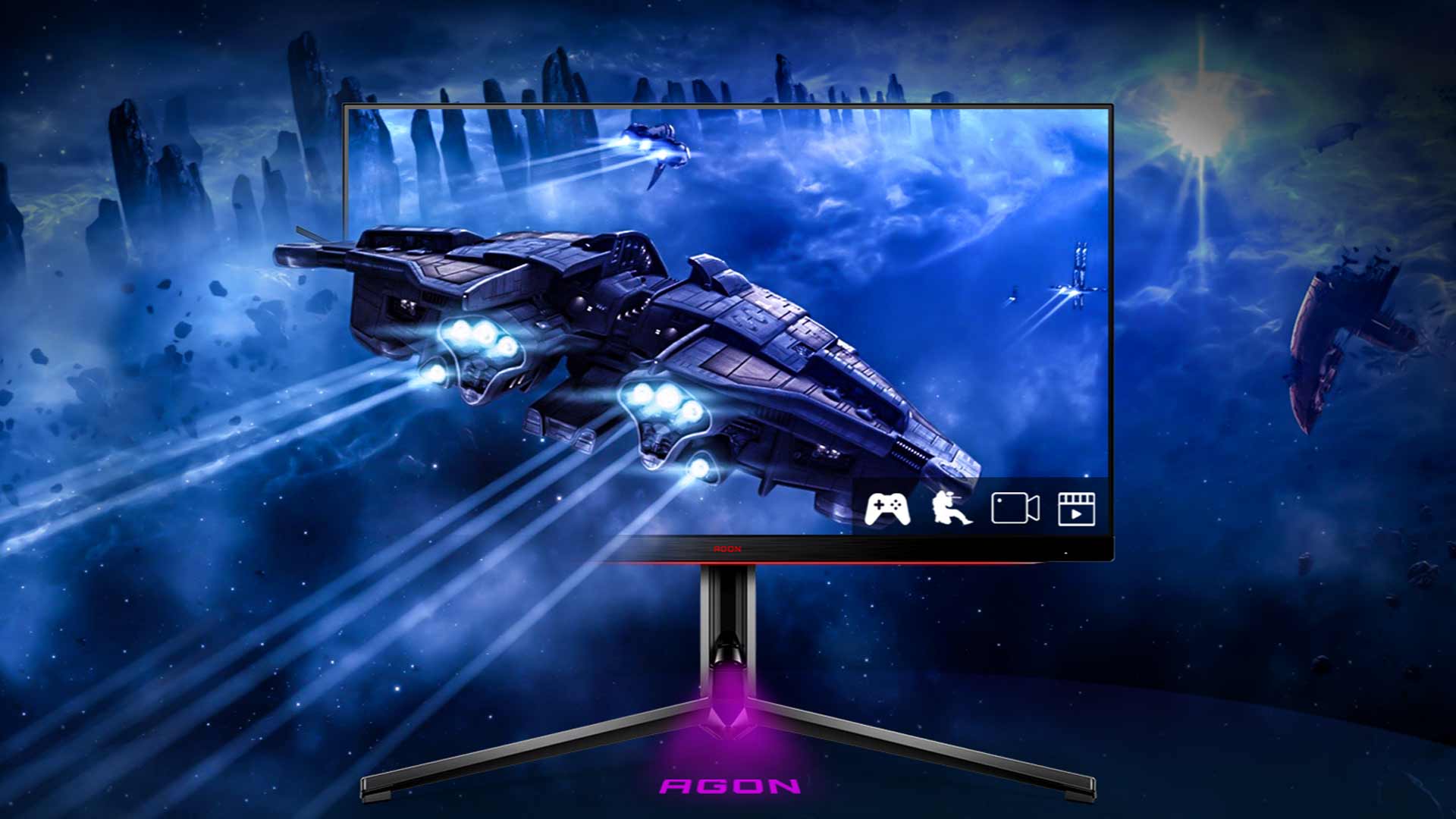
But honestly, If eyes are the windows to the soul, then it goes without saying that a monitor is the soul of gaming. Few external upgrades to your rig will make as big of a difference as upgrading your monitor, and the AOC Agon Pro AG324UX is definitely an upgrade.
The first thing anyone will notice about the screen is its overall look and design. While I wouldn’t say it’s overly eye-catching, it has a very clean/sleek appearance, and the small red accents on the matte black chassis give the monitor a premium look. The next thing you’ll notice is that the stand for the monitor is almost entirely constructed out of metal, meaning that when it’s set up, it’s nothing if not sturdy. The one drawback to having a stand that will ensure the screen won’t sag or wobble around is size. The frame is massive, and anyone buying the monitor will have to rearrange their desk to set it up with the default stand.
The final cosmetic feature of the monitor is the built-in AOC Light FX RGB LEDs at the back and the bottom edge of the screen. If I’m being honest, I don’t see the point of the back of screen LEDs. The lights aren’t bright enough to cast any meaningful light on the wall behind where my monitor is set up, and unless you’re planning on using the monitor to stream at an event or you have a desk set up in the middle of your room, then this is just a feature that is going to mean nothing to you and will be forgotten about pretty quickly.

Before we move on, let me use this time to air one of my most significant grievances with this monitor. And no, it’s not about waisted LEDs. My core issue comes down to the manual. Now I have a thing for manuals. I love them, I get excited to look inside them, and usually, it’s the first thing I reach for when I receive any new product. Well, the Agon does come with a manual. Instead of it being printed out or even made available by scanning a handy dandy QR code, the manual is made available via the included CD.
Correct me if I’m wrong, but the last time I put down my Walkman and checked my old-school wall calendar, we were living in 2022 and not 1995. Who even still has a disk drive that takes CDs? Well, let me tell you who, no one. After some angry googling on my side, I could find the manual online and download it. Still, it was an unnecessary effort on my part, and I’m now burdened with a historical piece of tech I have no idea what to do with.
Good thing I downloaded the manual, mind you, otherwise I would have missed out on one of the most irrelevantly cool features. The monitor has a built-in headset hook built straight into the back of the device. The screen also comes bundled with a joystick that controls the OSD and saves you from having to feel around at the back of the screen as if you’re me, before my glasses.

To counter the CD snafu, one of my favourite parts of the monitor comes down to the super convenient connector layout at the back of the monitor. I have a significant issue with the need for more USB ports than I have; in that regard, the AOC Agon Pro came in clutch. There is a 1.4 DisplayPort with DSC, two HDMI 2.1 ports for 4K 144Hz and 4K 120Hz on PC, and next-gen consoles like the PS5. There is also a 90-watt USB-C slot, four USB 3.2 slots, a 3.5mm jack for headphones, KVM functionality, and a pair of 8-watt DTS speakers.
Aside from the extra USB ports, the built-in speakers are great. While it isn’t a replacement for a good set of speakers or a soundbar, it did mean that in the evenings, when it was too damn hot for headphones and I didn’t feel like setting up my entire speaker system with a review monitor, I could just play, sound and all – and if I’m being honest, the sound levels are decent and so is the quality. No one will be turned away from the sound, even if it is sometimes lacking.
Another point worth noting is that while the monitor allows for next-gen consoles to have 4K output, that’s all the monitor allows. Almost all of the monitor’s built-in settings, such as brightness, contrast, low latency game mode etc., get disabled the moment a console is connected. While this isn’t a dealbreaker for me, it does mean that I would never buy this monitor for the sole purpose of using it with my console. Instead, I’ll just consider that capability a value-add on top of what it can do as a PC monitor.

Finally, let’s talk about the display itself, considering that it’s this and this alone which will be the deciding factor in most buyers’ minds. The AOC Agon Pro AG324UX boasts a 31.5-inch IPS panel with 3840 x 2160 resolution, a 144Hz refresh rate, and a 1ms boosted response time. The 31.5-inch size works beautifully with 4K, and compared to my 27-inch screen; it looks slightly nicer because the pixel density isn’t too tight.
The AOC Agon Pro AG324UX also renders 100% sRGB and around 90% DCI-P3 for rich colours in games and movies. Here is another area where I walked away from the monitor, feeling somewhat disappointed. The default, out-of-the-box accuracy of the screen isn’t great. It took about 10 minutes of tinkering through the settings to get the colours to the level they should have been from the get-go.
Upon Googling, I was astounded by how common this issue was with this line of monitors and how many people were buying colourimeters to try and reduce the deltaE average to 1.45, which is the acceptable level for a premium monitor. I never felt the need to go to extremes like that; instead, I was happy with my results after some playing around, but it is something to be aware of – particularly if you plan to use this monitor for work.