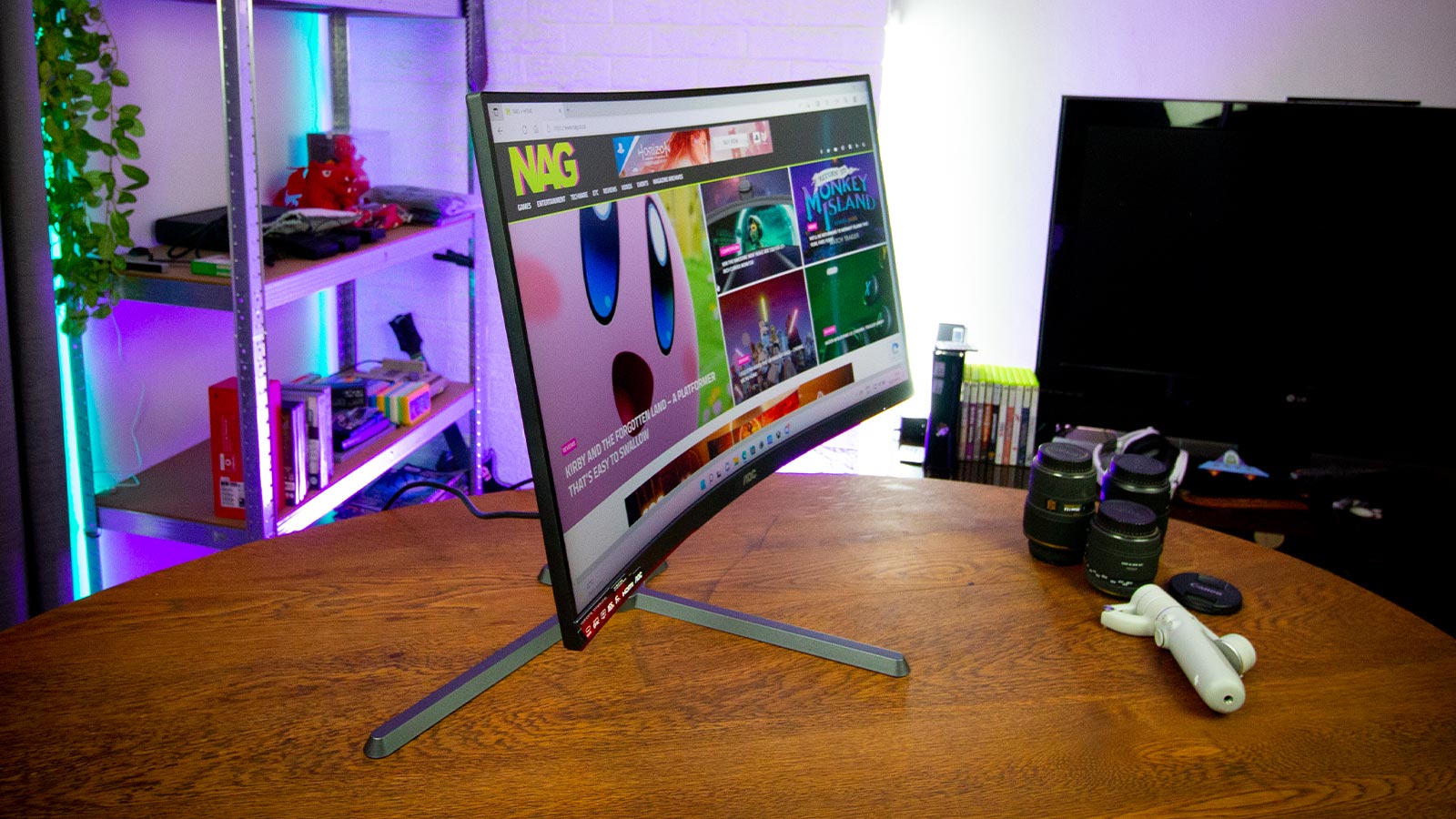
The thing about monitors is that we stare at them all the time, more so than that fancy graphics card or CPU we boast about. It’s the interface to your PC and it is a crucial part of the enjoyment we experience from our beloved gaming rigs.
While curved monitors are nothing new, it’s still a fantastic sight to behold when unboxing a monitor that seemingly wraps around you and I am always excited to put these to the test. The AOC CQ27G3 27-inch QHD Curved Gaming Monitor is the latest gaming peripheral from the popular manufacturer and it recently landed in the country, so as you can imagine, I jumped at the opportunity to get some hands-on time with it.
At 27-inches, the AOC CQ27G3 hits the sweet spot for a good-sized desktop screen but let me be honest, two or even three of these side by side would be the ultimate gaming setup. That is largely because the wrap-around effect is amplified when you pair a few of these monitors next to each other.
But let me not get ahead of myself, even sitting in front of one of these beauties is a pleasure in its own right.
Featuring a maximum resolution of 2560 x 1440 at a refresh rate of 165Hz, the AOC CQ27G3 27-inch QHD Curved Gaming Monitor feels just at home connected to a PC as it is to a Playstation or Xbox console. The visuals are sharp and the screen brightness offers a good range to ensure that even the darkest horror game won’t leave too much to the imagination.
Its high refresh rate capabilities are also further improved with AMD’s FreeSync variable refresh technology, which keeps your monitor’s refresh rate synced with your processor’s output. Most NVIDIA graphic cards today support this feature and it’s much more affordable than NVIDIA’s G-Sync certification which does the same thing.

The screen sits on a neat, height-adjustable stand and has a reasonably sized base footprint. The screen can be adjusted to a height of 130mm and it has a swivel range of around 40-degrees left and right, with a tilt factor of between -5 to 23-degrees, giving gamers plenty of ways to get that angle just right.
At the back of the screen are three monitor inputs which include two HDMI 2.0 ports and one DisplayPort 1.2 with a button cluster sitting at the bottom right side of the screen.
I used the AOC CQ27G3 for a couple of weeks with a few custom builds I tested, and it enjoyed an extended stint on my desk as my main monitor. At first, the novel factor of a curved screen pulls you in but after a few weeks, you realise how much nicer it is to look at when you work and play on your PC for hours each day.
A curved screen works far better on a desktop than in a lounge as your TV, in my opinion, and the closer you sit to it, the better that immersion feels.
While I still maintain you need a few of these on your desk for the ultimate gaming experience, just one of these in front of you will do the trick too. For PC and console gaming, the AOC CQ27G3 27-inch QHD Curved Gaming Monitor does a stellar job of bringing your graphics to life.