Whether you are a content creator looking at making videos for YouTube, or a streamer wanting to create a community on Twitch, you have likely looked at a webcam to bring your fans into your world. While there are a fair number of product offerings to choose from, it is really hard to find a webcam that delivers good video quality at a very affordable price.
The problem with webcams that are considered “affordable” is that they usually lack good image quality and offer poor white balance and lack sharpness. It’s just the nature of the beast with anything audio and visual.
Razer is a relative newcomer to the webcam market and you may remember this as the company that put a ring light on the first iteration of the Kiyo range of webcams. It was a good idea, but sadly, a small light such as that just did not offer the punch needed to light a streamer adequately.
This time around, Razer took a different approach, they improved the webcam’s sensor and its dynamic range capabilities instead of adding another light source. This means that, in theory, the webcam should deliver a much better image quality even under low light conditions. The company also stuck to the 1080p @60fps specification as the highest resolution, opting not to go the 4K route for this model.
While a 4K webcam may sound like a nice idea, there is no real reason to go for something that high-end, there also aren’t many on the market because they don’t really make sense for most consumers’ usage. Very few people stream in 4K, and editing 4K video requires a pretty beefy machine. 1080p is definitely the sweet spot and with adequate lighting, your image should be sharp and well saturated.
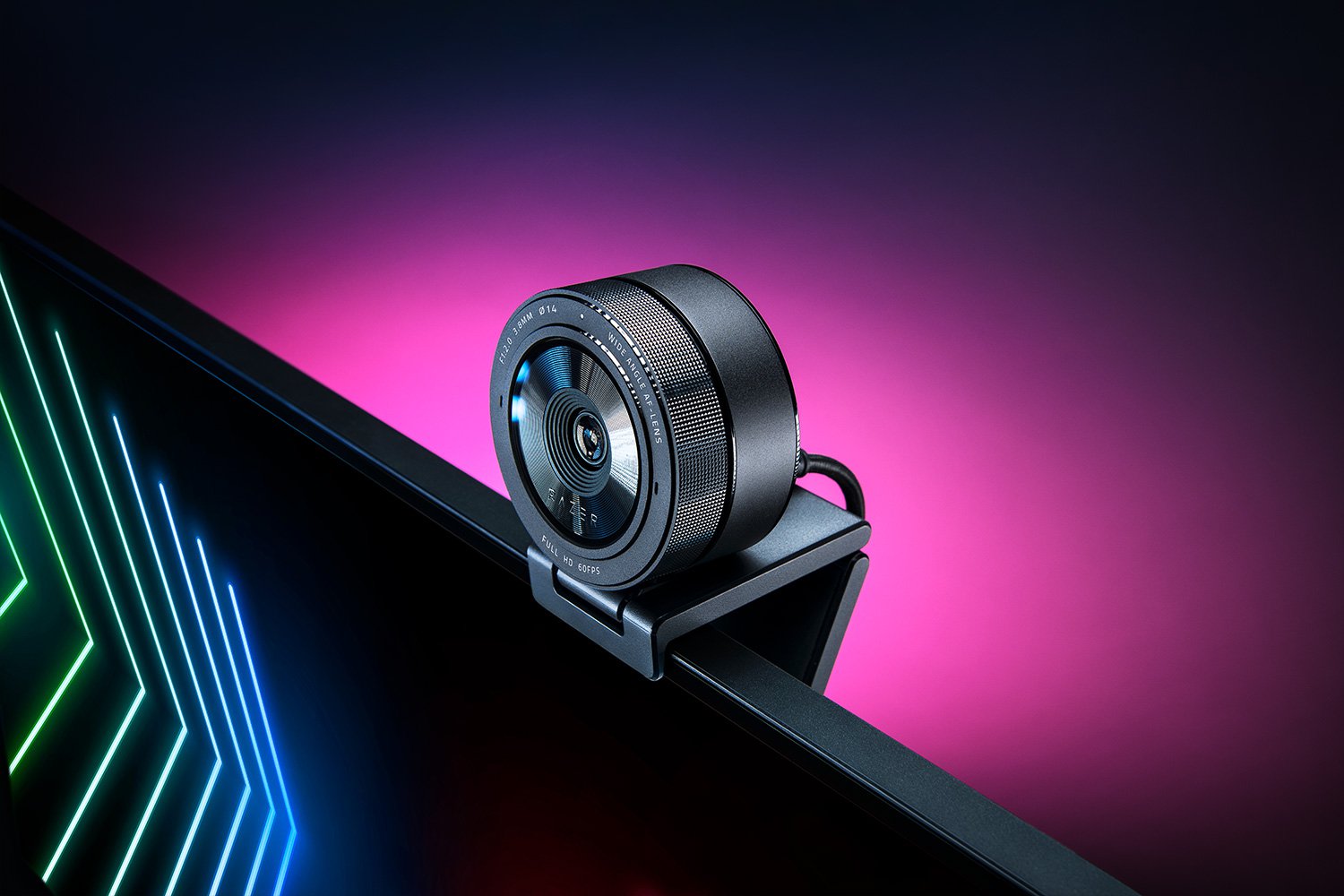
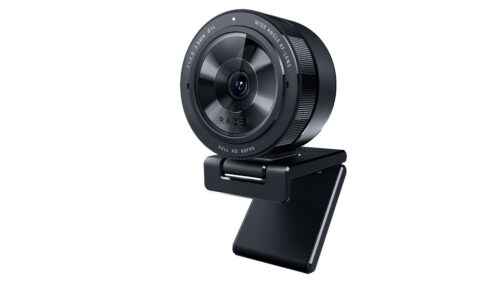
The very recognisable, Kiyo Pro, one of the biggest webcams I’ve ever had the privilege of attaching to my monitor and by all accounts so far, it certainly packs the punch that is needed to stream good quality footage. At first glance, the large, round, webcam face looks more like a DSLR lens than your traditional monitor-mounted webcam and fortunately, it feels stable when mounted on a thin notebook monitor. The included camera stand grips nicely onto a screen or you can place it directly on a flat surface. You can also mount the Kiyo Pro directly onto a tripod thanks to its standard thread mounts on both the webcam body and the removable L-shape stand.

Also included in the box is a 1.5m braided USB-C cable as well as a removable lens cap.
As you’d expect from a Razer Pro product, the Kiyo Pro comes with a premium price tag, which puts it in the same price range as the Logitech Brio (4K @30fps) and the Corsair Elgato Full HD Facecam (1080p @60fps). I’ve not yet used the latter but as a Logitech Brio owner, I knew that the Kiyo Pro had to work hard if it was going to impress me.
I incorporated the Kiyo Pro into my production workflow, replacing the Logitech Brio I use daily to see how it would fare. I usually shoot 4k with the Brio then downscale to 1080p when I drop the footage into my timeline. With the Synapse software installed, I did a quick firmware upgrade, then launched the camera to see how it looked in my studio environment.
Right off the bat, I could see a big difference in the colour depth and brightness levels of the image from the Kiyo Pro. Even though its resolution was lower, the image quality was what you’d expect from 1080p, a sharp HD image with good colour saturation. As you’ll see in the Synapse screenshot, using my two normal studio lights you can see a really good picture with an impressive colour range, a really nice white balance, and good depth between me and my background. I did not have to tweak anything before I hit record.

You’ll also notice the distorted edges, this is because I took that screenshot at the widest angle that the Kiyo Pro can capture video at, an impressive 103-degrees. You can also set it to a more respectable 90 or 80 degrees should you prefer your dimensions in proportion. I for one like the wider angle and it’s particularly nice for those of us who have small studios.
I did not think I would like this webcam as much as I did. The Razer Kiyo Pro looks better than my Brio right out of the box and even when I use the greenscreen it retains the level of sharpness I demand from webcams I use in production. The bulkier design feels really solid and there’s enough stiffness in the L-shape stand to get to any angle you need.
On the downside, I was really, disappointed to find out that the giant textured ring around the lens – which looks like a focus ring – is in fact not a focus ring. Call me old school but I would have found great joy in that.
For those of you interested, there is a built-in microphone too but if you are going to be streaming, it’s still better to find a dedicated microphone solution.
The Razer Kiyo Pr0 has cemented itself as a high-end webcam worthy of an addition to my studio. The colour reproduction is superb and I love its massive pancake lens design.
Would I buy this webcam? Yes. Would I recommend this webcam to someone looking to get into streaming or making YouTube videos? Also yes, but with sprinkles.