In comparison with the future predicted by movies, the actual future of 2020 is much worse than we’d expected. Instead of flying cars and a neon mega-corporate dystopia, we got a global pandemic. So that sucks, but you know what sucks even more? Having to use multiple devices for different streaming TV apps. That’s, like, discrimination, and discrimination is sexism, and sexism is bad. That’s basic science.
But until recently, this egregious technocultural inequity was the status quo in my home because the Showmax app on my LG smart TV is rubbish. It takes forever to load content and resolve the resolution from blobs to 720p (not even 1080p or 4K!), sometimes up to 45 seconds, and I don’t have that kind of time to waste between episodes of Binnelanders. I mean The Wire. So if I want to swap from Amazon Prime Video or Netflix on the TV, I have to boot up my Xbox One for Showmax. That’s 45 more seconds on the clock, and maybe this explains why humanity is stuck in a toilet paper apocalypse and not opening a new McDonald’s warp-thru on Mars.
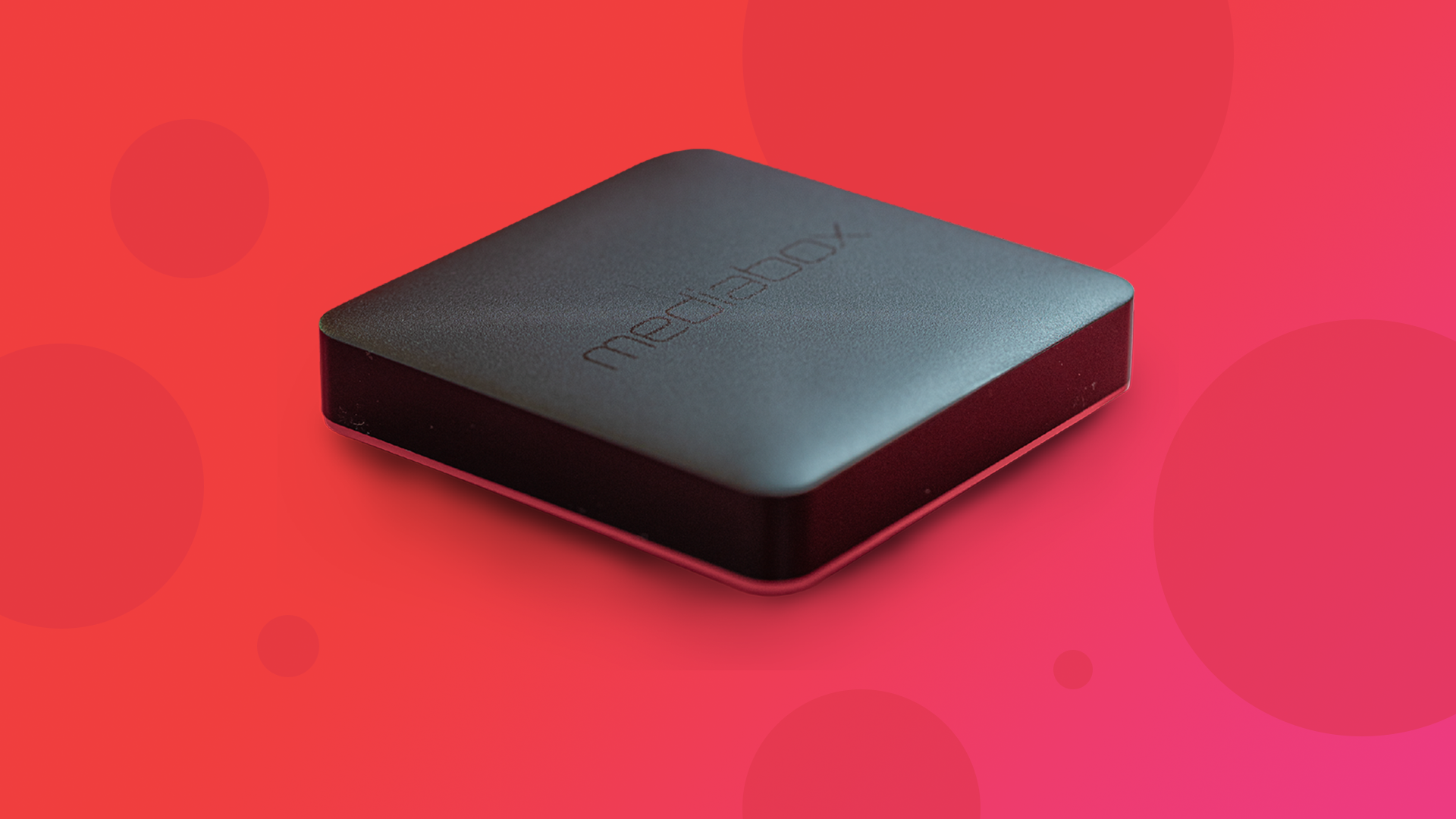
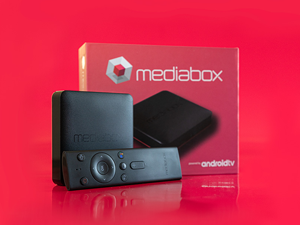
Enter the Mediabox MBX4K Ranger. It’s an Android TV-powered streaming device, and the fun-sized one-device solution to this problem. In theory, anyway. I’ll get back to that.
Setup is super simple – plug it in, connect it to the internet, and you’re ready to binge. Mediabox is a local company, so Showmax, DStv, and SuperSport apps are pre-installed, and other apps can be installed through the Google Play Store. If you’ve got an Android smartphone, you can also use that to sync your Google account for YouTube and other Google apps, via Bluetooth, or even stream content from your other devices with the Ranger’s built-in Chromecast hyperbeamz.

For whatever reason, the Netflix and Amazon Prime Video apps are not pre-installed, but automatically install about 10-20 minutes after first connecting to the internet, according to the online info PDF. If, like me, you skip the instructions and try to install them manually, you’ll get an error with Netflix and you probably won’t even find the Amazon Prime Video app in the Google Play Store. Don’t be like me.
Let’s get back to that “in theory” disclaimer from before. For context, I have a 200 Mbps fibre internet connection, and my TV, media devices, and consoles are hooked up over ethernet because I’m old skool like that.
In theory, I should be streaming content at max ultra boost mode plus+. But, as the TV’s Showmax app proves, that’s not necessarily how it works out in reality.
The Ranger’s Showmax app is totally okay! The Netflix and Amazon Prime Video apps, less so. Although both apps load content at HD or UHD in about 2-3 seconds, there’s some perceptible frame drop over the next 10 seconds or so, and occasionally also at random subsequent intervals. Since this isn’t an issue on Showmax, I assume it’s a performance glitch that occurs only at higher resolutions. But I vote sporadic frame drop over a 45-second load time, every time.
UPDATE
It turns out the Netflix app installed on this device maxes out at HD, not 4K, an issue I missed when I first reviewed this device. And even then, that’s what the Netflix app tells me – the playback resolution looks like it’s upscaled from 480p on my TV. I have no excuse, except that I’m obviously an incompetent cretin and I’m overdue for an eye test.
This also seems to be a thing with a lot of Android TV devices.
I can circumvent this by using Chromecast from the Neflix app on my phone, which does support 4K, but not everybody has a compatible device. As such, I’m deducting 10 from the original review score of 91, and sending the Ranger into time-out to think about what it’s done.