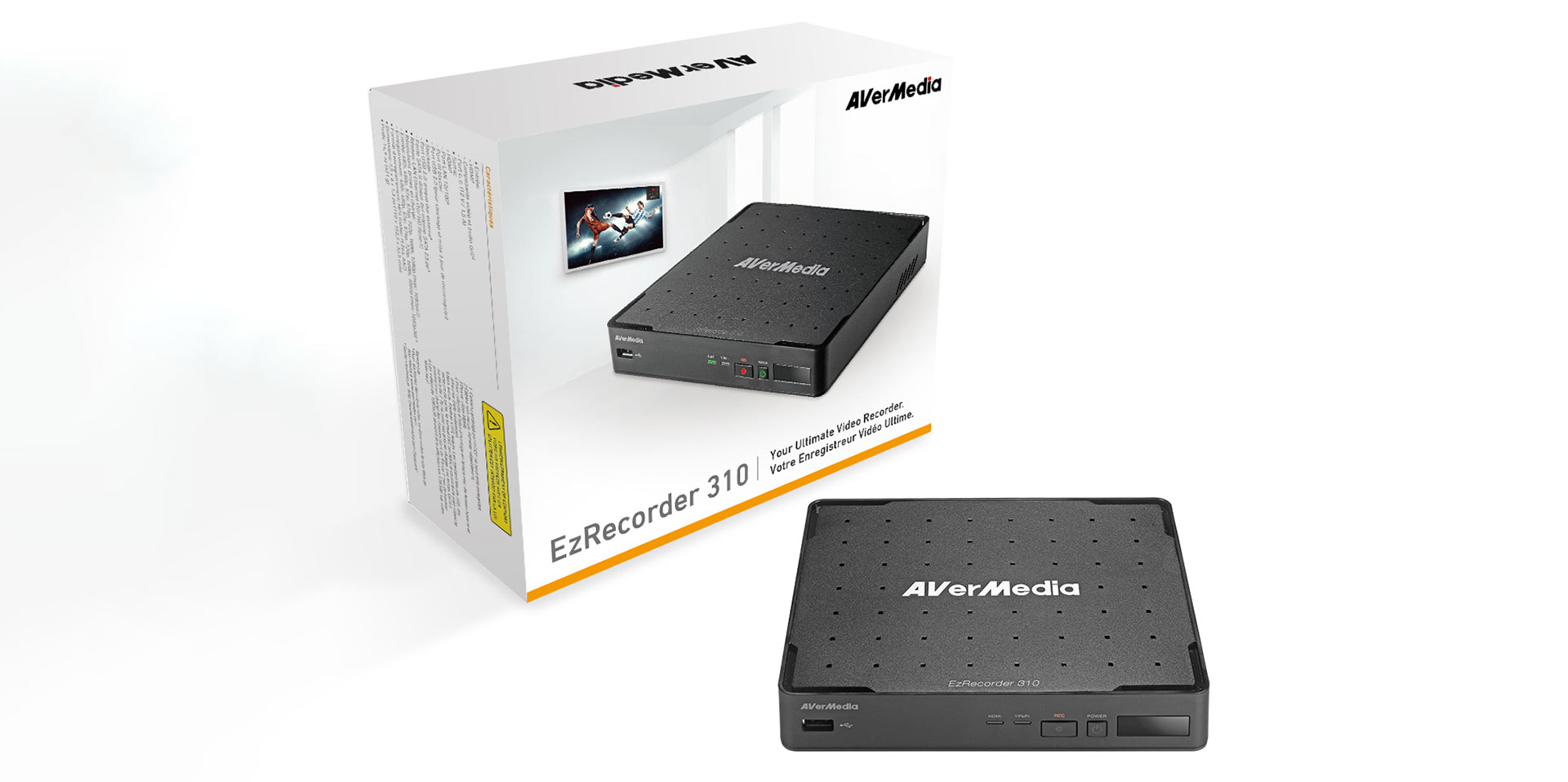
Although the Avermedia EzRecorder 310 was developed as a digital VCR to record programs on TV, strict copy protection laws for broadcasters mean that you won’t be able to rip your favourite DSTV shows – but what the EzRecorder is also really good at is recording your game footage.
Recording gameplay footage is more than a hobby for some people and YouTube is full of gamers who love to show off or commentate on their gameplay. This device from Avermedia is an affordable way to quickly capture your gaming, and best of all you don’t need a PC handy.
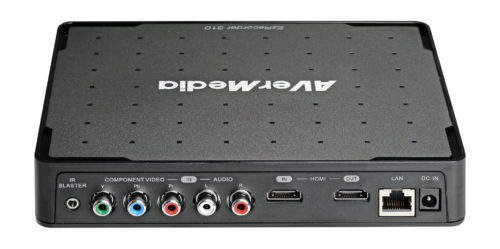
Upon unpacking this rather inconspicuous looking black box, you’ll notice that there is not much to the kit apart from some power cables. The device itself is not much larger than your average router and features a single RJ-45 network point on the back. The front side accommodates the power and record buttons along with a single USB 2.0 port. On the back, you’ll find the component (video and audio) connectors, as well as an HDMI in and out port. There is also support for an IR blaster, but you won’t need this for capturing your game footage.
The EzRecorder records game footage straight to an internal or external hard drive. The unit does not ship with one, so make sure you have a spare drive ready. You can easily mount a 2.5-inch internal drive by removing the cover at the bottom of the device, and drives of up to 2TB are supported. You can also connect an external USB drive to easily move your recorded footage around after a game session.
Once the drive is installed, there’s not much to set up or configure on this box’s operating system. Also, keep in mind that this is not designed to be a media player, so it doesn’t have many features like movie or audio playback on content it didn’t record itself.

Its operation is simple – it’ll record any footage you pass through its input ports and you don’t even need to connect this recorder to a PC. Once the hard drive is installed and formatted correctly, you simply pass your footage through via the HDMI cable and press the record button when you are ready. It’s that easy.
While some content creators may snub their noses at the fact that this device only records up to 1080 at 60fps, it’s actually more than sufficient for content creators like ourselves who only output video in 1080p in any case. Recordings are saved as MPEG4 files, encoded via the H.264 codec.