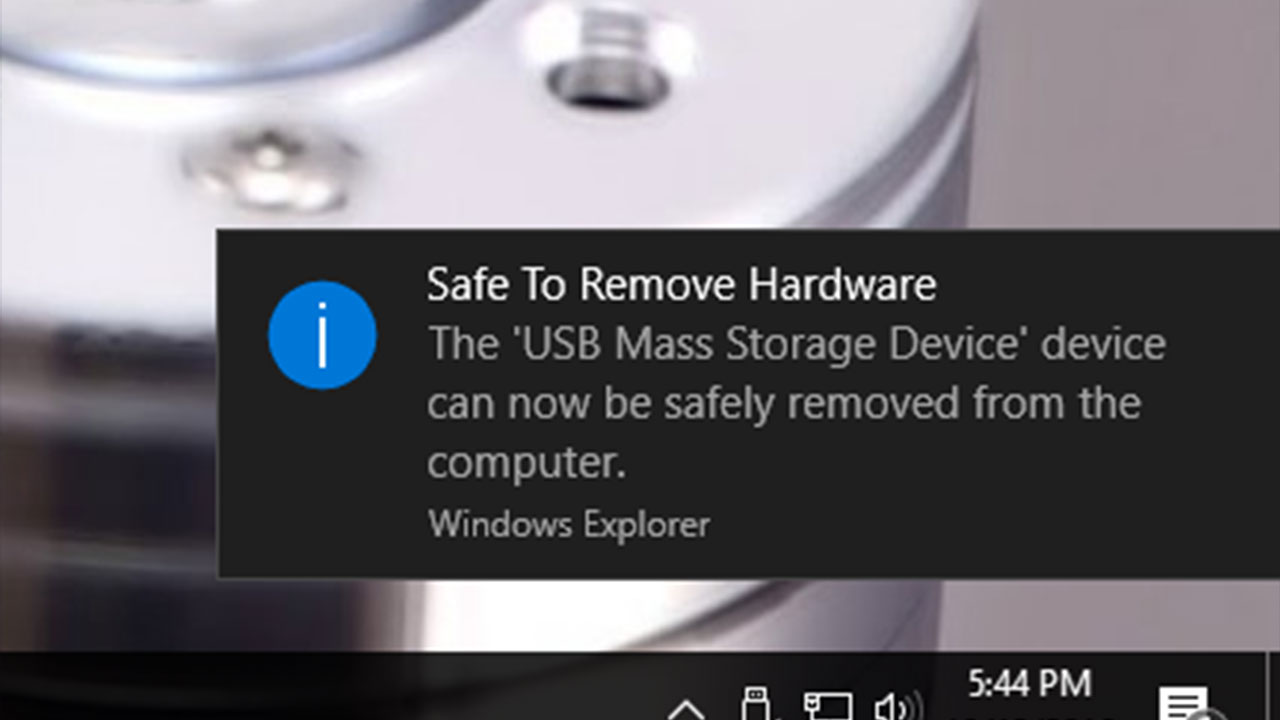
This probably doesn’t mean much to some of you heathens, but you’ll soon be able to remove USB devices in Windows 10 without going through the “Safely Remove Hardware” process. I know.
There is an actual reason why this process exists in the first place, and you flaunt the warnings at your peril, because it ensures any unsaved or unwritten data actually makes it to the USB drive before it’s removed. Failing to eject the drive can result in data loss, corruption, or mechanical damage, and we all have that one friend that lost half their thesis, because they thought they could just pull it out and everything would be okay.
Windows 10 currently defaults to Better Performance when dealing with USB devices, which speeds up read and write operations by using a cache. The cache needs to be purged before the device is removed, however, and that’s what it’s doing when it “ejects”.
In Windows 10 update 1809, however, the default behaviour is switched to Quick Removal, meaning the USB device can be removed without warning, but at the expense of write performance. Don’t worry, you can switch between the two modes, depending on your preference.
So, performance is greatly enhanced if you take the time to follow proper safety precautions, but you can use the pull-out method if you favour speed over quality.