
This is a true story. The names have been changed to protect the stupid. At NAG HQ we’ve been doing magazines, rAge, and the website for ages. This activity tends to generate a ton of digital files. I tried looking up a weight scale relating to digital files, but there are just no good metaphorical terms. Anyway, it was a boat load of gigabytes. These files were just stored on a server (some old machine in the storeroom). She was a good girl, a strong Intel server that kept herself alive for years. We used to call her Sue. But Sue was still a PC, so it needed updates, a screen and so on and also a large space.
We’ve recently moved and reduced the size of our office. I wasn’t in the mood to keep a spot for the server so I asked a few people what kind of NAS I should get. Not a day later, and by way of some mystical universal convergence, Synology asked us to review a NAS. It was meant to be I tell you.
Also, disclaimer: they said we could keep it. This was before the review so we didn’t have to be nice.
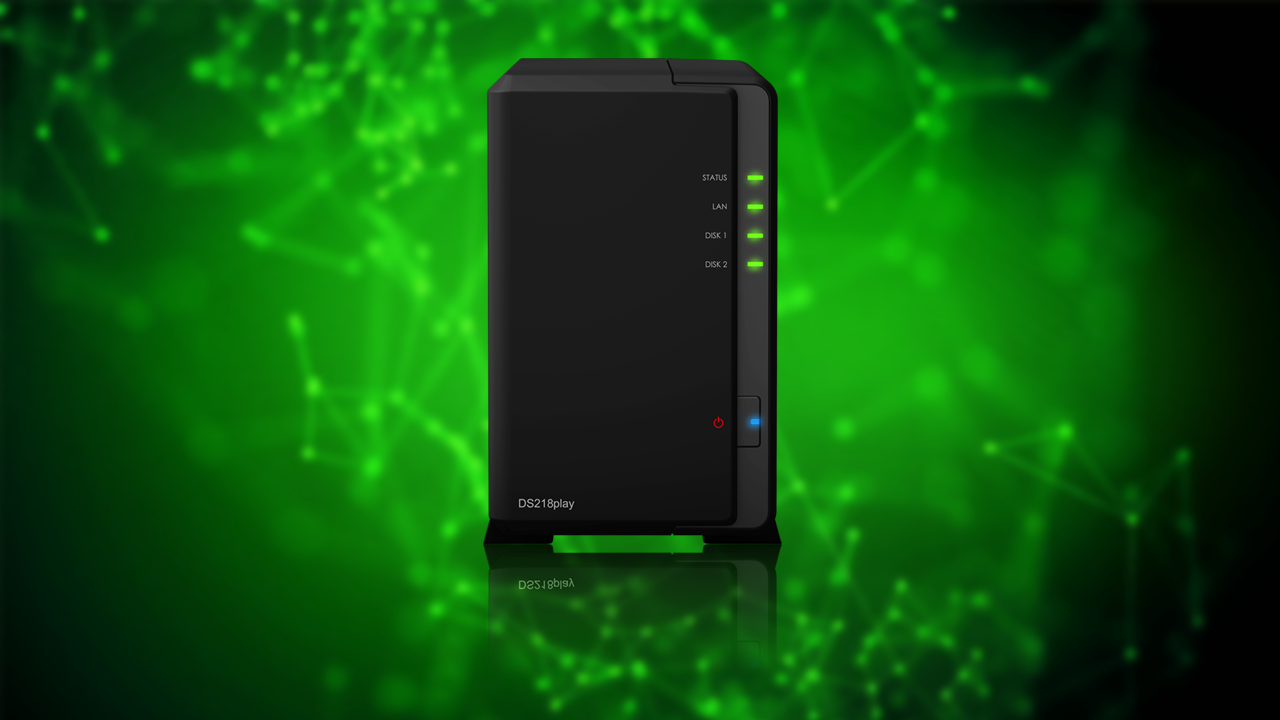
As you can see from the images, the DS218play is a good looking device, with lights, buttons, and slots in all the right places (if you’re into that sort of thing – ed). There’s just no HDMI output, which would have probably earned it a 100 out of 100. It’s also fan-cooled, quiet and unassuming – exactly what any good NAS needs to be. There are four different devices in this range, and this particular one is aimed at multimedia. You know this because of the word ‘play’ in its name. Before we go further, and this may be obvious to some: but you have to supply your own hard drives when you buy a NAS.

The DS218play features a 64-bit Realtek RTD1296 CPU with a clock speed of 1.4GHz with 1GB DDR4 memory. This means real-time transcoding of 4K (4096 x 2160) Ultra HD videos at a frame rate of 60 FPS.
The unit can accommodate two hard drives, the device’s maximum internal capacity is 24TB (2 x 12TB), and its single volume supported capacity is 108TB. So that’s more than enough space for home use, unless you’re trying to upload someone’s brain. Probably very illegal for sure, but also pretty cool – so let us know how it goes.
On the software side there are 42 Synology applications, and 54 third-party applications – there’s everything from a download station to a backup solution as well multimedia solutions and a surveillance station to manage IP cameras. Synology is also always updating and improving these applications so you won’t be left stranded with outdated software that can’t keep up with the ever-changing digital environment. If you think you have a problem you need solved by a NAS there is a program here to do it. They’re all easy to use and feature all the settings and control tabs you’ll ever need.

The other benefit of this software library is that the unit can be repurposed from a media server to a mail server or anything else almost instantly. As the need for storing video/audio media diminishes you can always switch the NAS to a backup solution or a little bit of everything if you like. So from originally wanting a simple NAS to store files I ended up with a robust, multiple-use device that lets me store those files, but also stream content and backup my work machine. There isn’t anything to fault here.